AI form builder
Describe your form. Get a draft in seconds.
Say what the visit needs. Review a complete intake form instead of building it field by field.
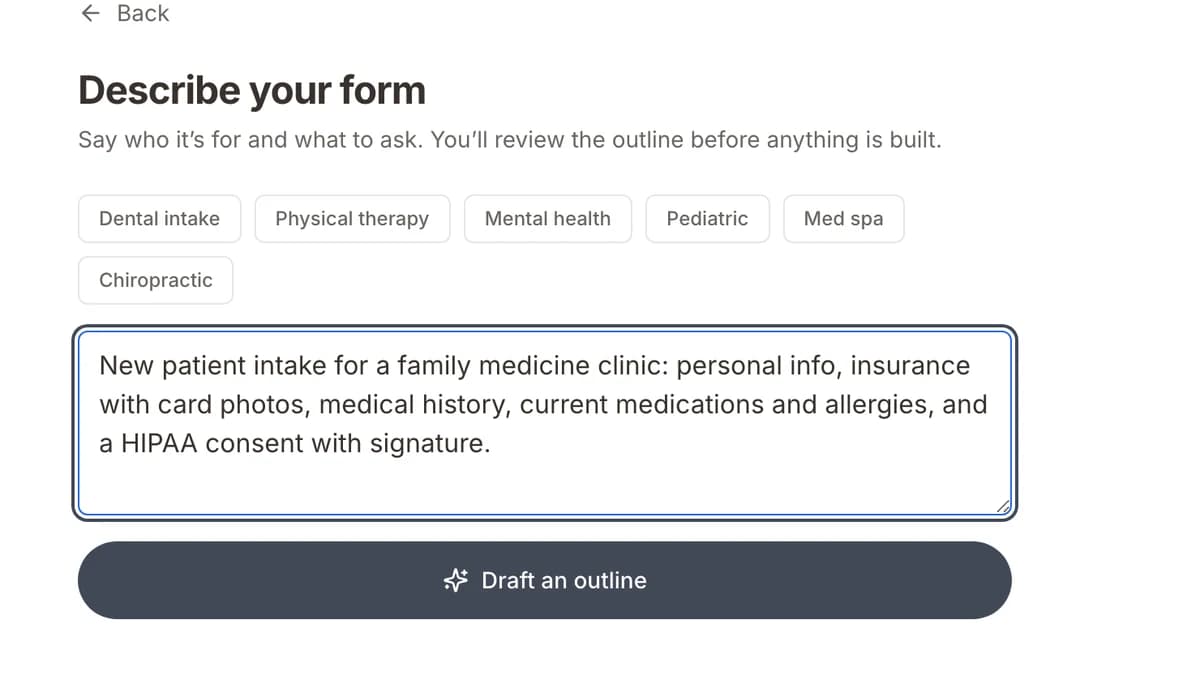
One sentence to start
“New patient intake for a family medicine clinic with personal info, insurance, medical history, and consent.”
- 01Describe the formOne sentence: the visit type, sections, and consents.
- 02Review the draftA multi-page form with the right fields. Edit anything.
- 03Attach it to a visitIt goes out automatically when a patient books.
Healthcare fields, not just text boxes
Every answer lands on the patient record.
- Insurance
- Carrier, policy, group, and subscriber.
- Card and ID photos
- Snapped with the phone camera.
- Medications and allergies
- Structured lists, not free text.
- Consents and signatures
- Signed on a phone.
A ready form means a ready patient
Patients fill it out on their phone, no app needed. Each visit shows as ready once forms are in.
How patient readiness works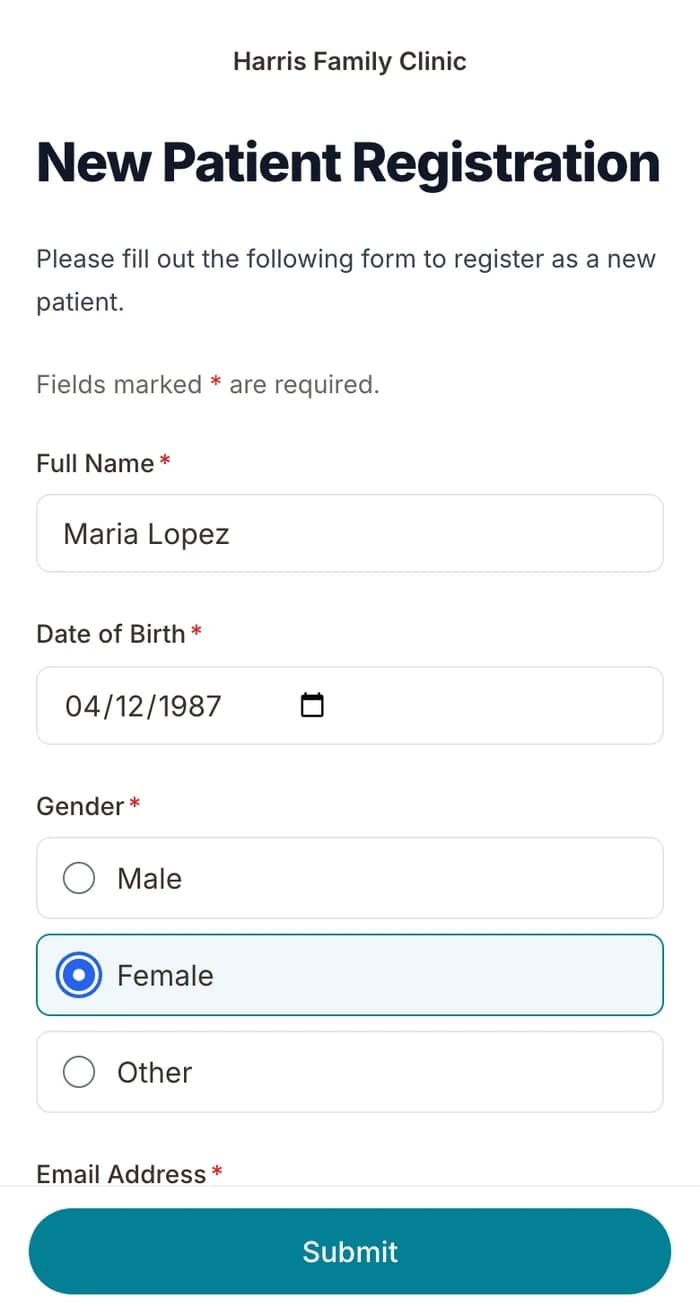
Questions
Other ways to start
Have PDFs? Upload them. Want a head start? Use a template.
Get your forms ready, so patients arrive ready.
Describe your first form. We help you send it before the next visit.
BAA included · We set up your front desk