Already have forms?
Upload them.
Upload your existing PDF or Word intake forms. AI digitalizes them into mobile-friendly patient forms, or keep your original formatting with fillable fields on top.
Upload once, choose your path
Same PDF, two different results. Pick what works for your practice.
Your uploaded PDF
With fillable fields
Two ways to handle your forms
Upload once, then choose the approach that works best for your practice.
Digitalize
RecommendedAI converts your document into a modern, mobile-friendly form. Fields are reorganized for the best patient experience — easy to fill on any device.
- Mobile-optimized — works on any phone or tablet
- AI consolidates redundant fields (one signature instead of ten)
- Healthcare field types: insurance, medications, allergies, e-signatures
- Fully editable in drag-and-drop builder
- Choose exact replica or optimized for digital
Keep your formatting
PDF onlyPreserve your exact document layout. AI detects fillable areas and places interactive fields on top of your original PDF — like DocuSign for intake forms.
- Original document appears exactly as-is
- AI auto-detects where fields should go
- Drag, resize, and customize every field
- Patients fill it out right on the PDF
- Download filled copies as completed PDFs
How it works
From paper form to patient-ready in under 5 minutes.
Upload your form
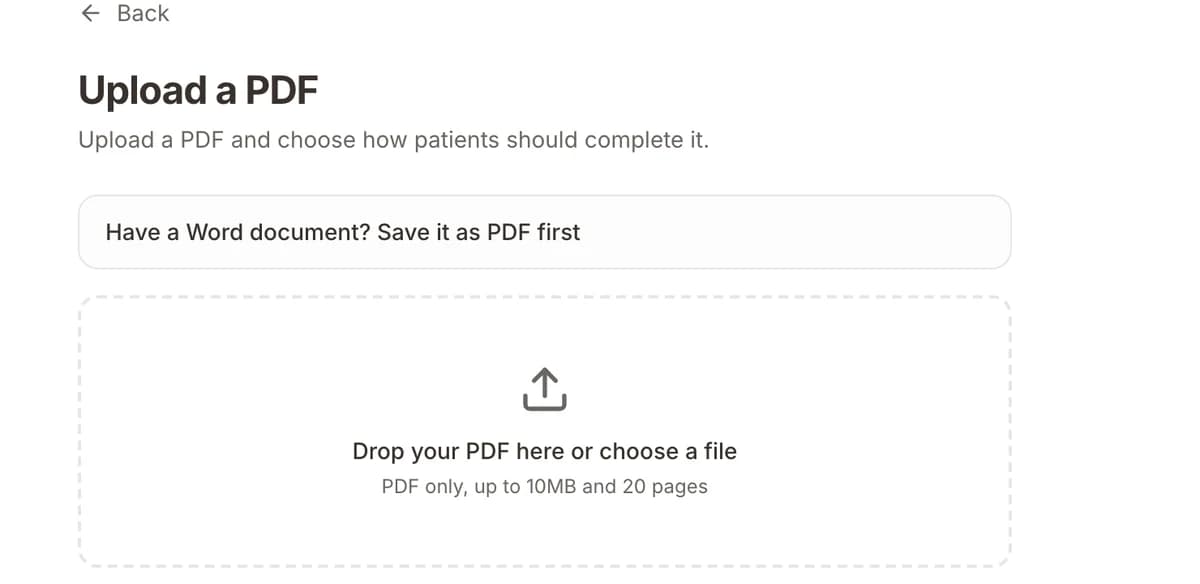
Drop a PDF or Word document — up to 20 pages. Your existing intake forms, consent documents, registration packets, or any healthcare form.
Choose your approach
Digitalize it into a mobile-friendly form, or keep your original formatting and place fillable fields on top. Either way, AI does the heavy lifting.
Review and customize
AI gets you most of the way. Then use the visual editor to fine-tune fields, adjust positioning, add validation, and customize branding.
Share with patients
Publish and share via link, SMS, QR code, or embed on your website. Submissions auto-create patient records and trigger your workflows.
Built for real scenarios
Whether you're switching from paper, migrating platforms, or modernizing a 13-page consent packet.
Switching from paper
You have a filing cabinet full of paper intake forms. Upload them and let AI convert them into digital forms patients can fill out on their phone before their appointment.
Migrating from another platform
Export your forms as PDF from your current system, upload to Formisoft, and you're live in minutes. No rebuilding from scratch.
Multi-page consent packets
Have a 13-page admission packet with consents, authorizations, and signatures? Upload it once. Patients sign everything digitally.
Keeping exact formatting
Legal or compliance requires your exact document layout? Keep your PDF as-is and add fillable fields on top. The original formatting is preserved.
Mobile-first practices
Digitalize your forms for the best mobile experience. AI reorganizes fields, consolidates signatures, and creates a form patients actually want to fill out.
Quick customization
Upload a template from your specialty association, digitalize it, then customize with your practice branding, conditional logic, and healthcare fields.
Common questions
You can upload PDF and Word documents (.pdf, .doc, .docx). Files up to 10MB and 20 pages are supported. For the 'Keep formatting' option, only PDF files are supported since the original layout is preserved.
Digitalize converts your document into native form fields that work beautifully on mobile — AI reorganizes the layout, consolidates redundant fields, and uses healthcare-specific field types. Keep Formatting preserves your exact PDF layout and places fillable fields on top, like an interactive overlay. Digitalize is best for patient experience; Keep Formatting is best when you need the exact document layout.
The AI detects most fields accurately — text inputs, dates, checkboxes, signatures, and healthcare-specific fields like insurance and medications. After AI generates the form, you can review and adjust everything in the visual editor. We recommend reviewing the output and making tweaks as needed.
Yes. Both approaches give you full editing control. For digitalized forms, you get the full drag-and-drop builder with all 25+ field types. For PDF overlay forms, you can add, move, resize, and delete fields directly on the PDF.
Yes. All forms on Formisoft — whether uploaded, AI-generated, or built manually — are HIPAA compliant. This includes AES-256 encryption, US-only data storage, audit logging, role-based access, and a BAA on every plan.
Yes, but the digitalized version provides a better mobile experience. PDF overlay forms preserve the original layout, which may require scrolling and zooming on smaller screens. We recommend the digitalize option for practices where most patients use their phones.
The original file is stored securely in our US-based cloud storage with AES-256 encryption. For PDF overlay forms, the original is served to patients as the visual background. For digitalized forms, the original is kept as a reference but patients see the native digital form.
Yes. For PDF overlay forms, we automatically generate a filled PDF after each submission — the original document with all patient data rendered on it. You can view and download this from the submission detail page.
Stop rebuilding forms from scratch
Every healthcare practice has intake forms. They're in filing cabinets, on shared drives, exported from old EHR systems, or printed from Word documents that someone designed years ago. When it's time to go digital, the last thing you want to do is rebuild every form from scratch.
Formisoft's form upload feature lets you skip that entirely. Upload your existing PDF or Word document, and choose how you want to handle it. Digitalize converts your form into native, mobile-friendly fields that patients love filling out on their phones. Keep Formatting preserves your exact document layout and lets patients fill it out right on the PDF.
The digitalize option uses AI to understand your form's structure — it identifies text fields, date fields, checkboxes, signature blocks, and healthcare-specific sections like insurance and emergency contacts. It then generates a modern digital form with the right field types, validation, and layout. You can even choose to have AI optimize the form for digital: consolidating redundant signatures, removing page footers, and reorganizing sections for a cleaner patient experience.
The keep formatting option is ideal when your compliance team or legal department requires the exact document layout. The original PDF is displayed to patients with interactive fields overlaid precisely where they need to type, check boxes, or sign. After submission, a filled PDF is automatically generated — the original document with all patient data rendered on it, ready to print or store.
Both options are HIPAA compliant by default. Every upload is encrypted with AES-256, stored in the US, and protected by role-based access controls and audit logging. A signed BAA is included on every plan.
Whether you're a solo counseling practice with a 13-page admission packet or a multi-location clinic migrating from another platform, form upload gets you from paper to digital in minutes — not days. And once your forms are on Formisoft, you get everything else: online scheduling, automated reminders, payment collection, and review management.
Your forms, digitalized in minutes
Stop asking patients to print, fill, and scan. Upload your forms and go digital today.