Identify who needs you — then automate the outreach

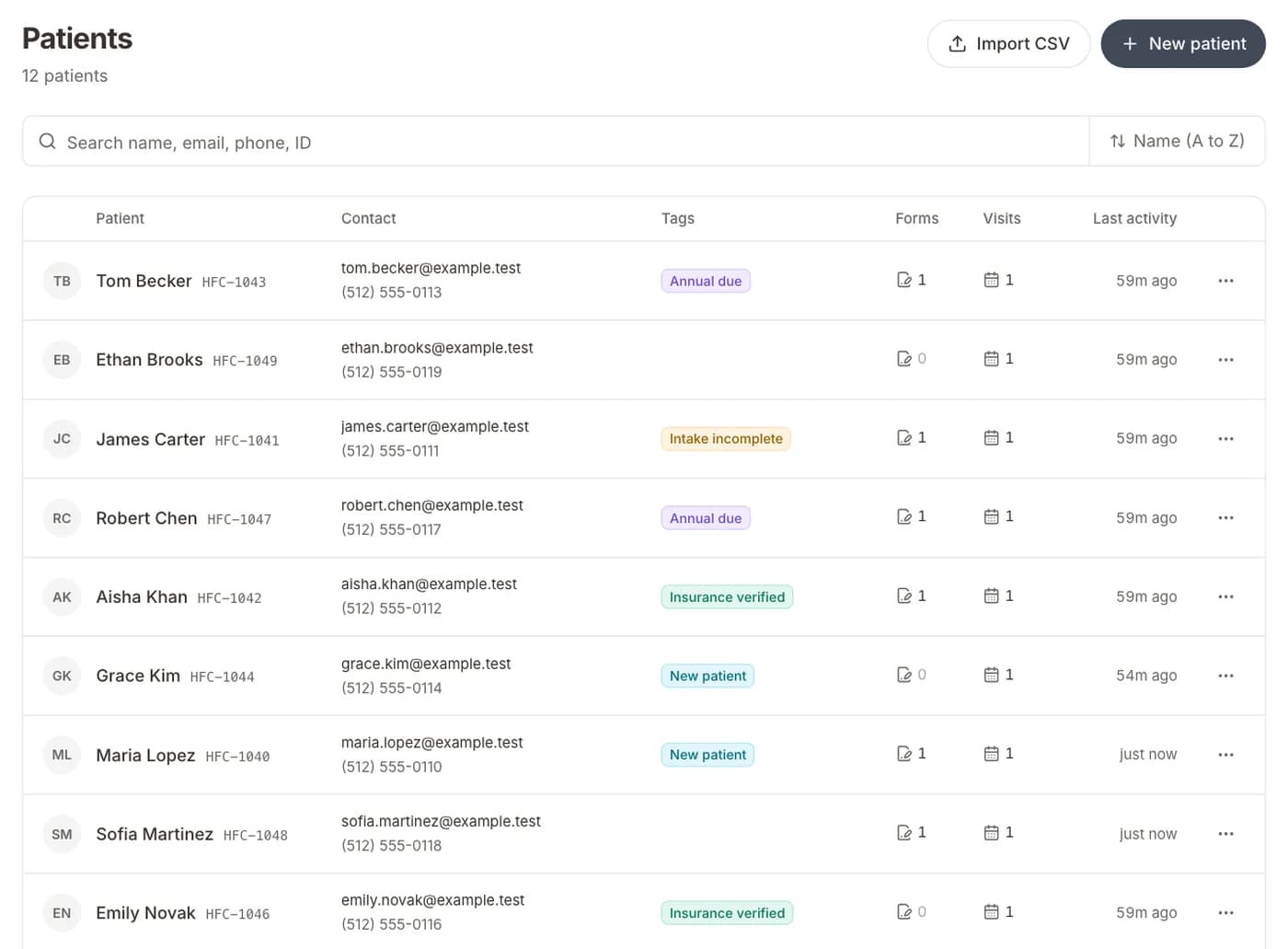
Smart tags find lapsed patients, intake gaps, and no-show risk. Campaigns reach the right segment. Visual flows react to bookings and form events — without spreadsheets or manual lists.

Identify
Who needs outreach
Campaigns
Segment & send
Flows
Event-triggered plays
Flow

Pre-visit intake

BookedWait 2 daysSend SMS

Runs on every new booking

Why practices switch

Formisoft Automate connects patient records, appointments, and intake status to tags, flows, and campaigns. Your team sets the rules once; outreach runs on the schedule you define.

  • Smart tags that update from live patient data
  • Visual flows on bookings, forms, and tag changes
  • Campaigns with audience preview before send

In the product

Identify patients who need you

Smart tags and system rules segment by visit history, intake status, insurance, and clinical criteria. Preview match counts before you act — lists refresh as data changes, no spreadsheets.

Smart tags
Lapsed recall47
Incomplete intake12
No-show risk8

Visual flows on real events

When a visit is booked, a form is submitted, or a tag turns on, Formisoft runs your sequence — SMS, email, wait steps, and intake links.

Flow

Pre-visit intake

BookedWait 2 daysSend SMS

Runs on every new booking

Campaigns with a live audience

One-off blasts to any tag or segment. Preview who will receive the message before you send.

Campaign

Hygiene recall

Audience47 patients
ChannelSMS + Email
Preview & send

How it works

  1. Define tags and segments

    Start from templates or build rules for recall, intake gaps, and visit types.

  2. Turn on flows or playbooks

    Attach automation to bookings, submissions, or tag changes.

  3. Measure and refine

    See sends, clicks, and bookings tied back to each play.

What's included

FAQ

How does patient identification work?

Smart tags evaluate live patient data — last visit, upcoming appointments, intake completion, insurance, and custom fields. System presets cover lapsed recall, no-show risk, and incomplete intake. Tags update automatically so segments stay current.

How are Automate and Communicate different?

Automate is proactive outreach — tags, flows, and campaigns you design. Communicate is patient messaging tied to each visit — confirmations, reminders, and inbox replies.

Do I need to build flows from scratch?

No. Workflow playbooks cover common scenarios like pre-visit intake, booking confirmations, and recall. Customize or run them as-is.

Try Formisoft

Scheduling, patient intake, outreach, and reviews in one platform, one login.

Get started