Step 1 of 4 · Get booked
Fill your calendar without the phone.
Patients book from real open times on your booking page.
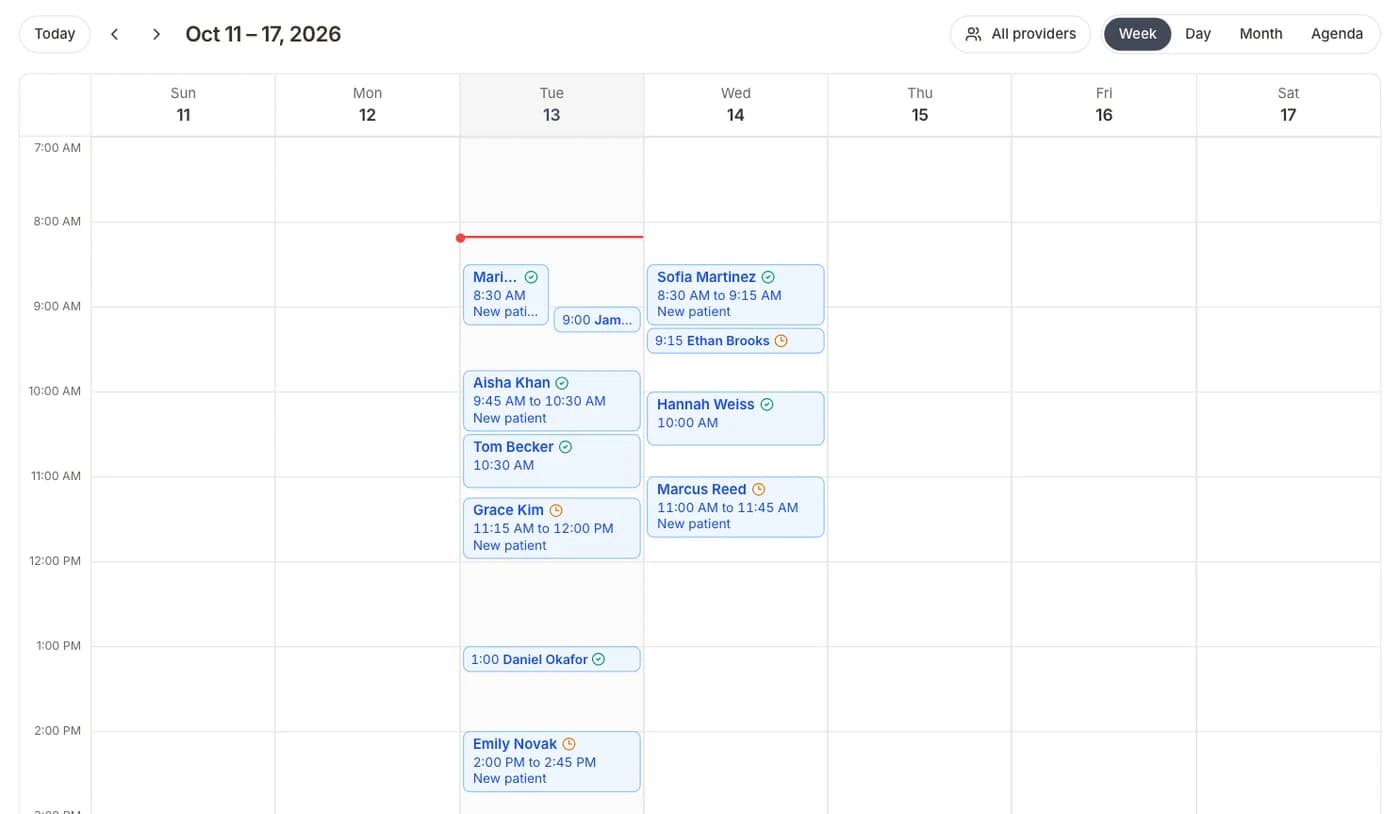
Open times only
Patients see real slots from each provider's hours.
One shared calendar
Online, phone, and walk-in visits together, with no double-booking.
Forms go out on booking
Each visit type can send its own intake forms.
How it works
- 01Set each provider's hoursWeekly hours, visit length, and breaks.
- 02Share your booking linkOn your website, your Google profile, and in texts.
- 03Visits land on your calendarThe patient gets a confirmation and their intake forms.
Questions
Open your calendar to patients.
Online booking and the practice calendar are included.
BAA included · We set up your front desk