Step 2 of 4 · Get prepared
Paperwork done before patients arrive.
Patients fill out intake, sign consents, and upload insurance cards on their phone. Answers land on the patient record, ready for check-in.
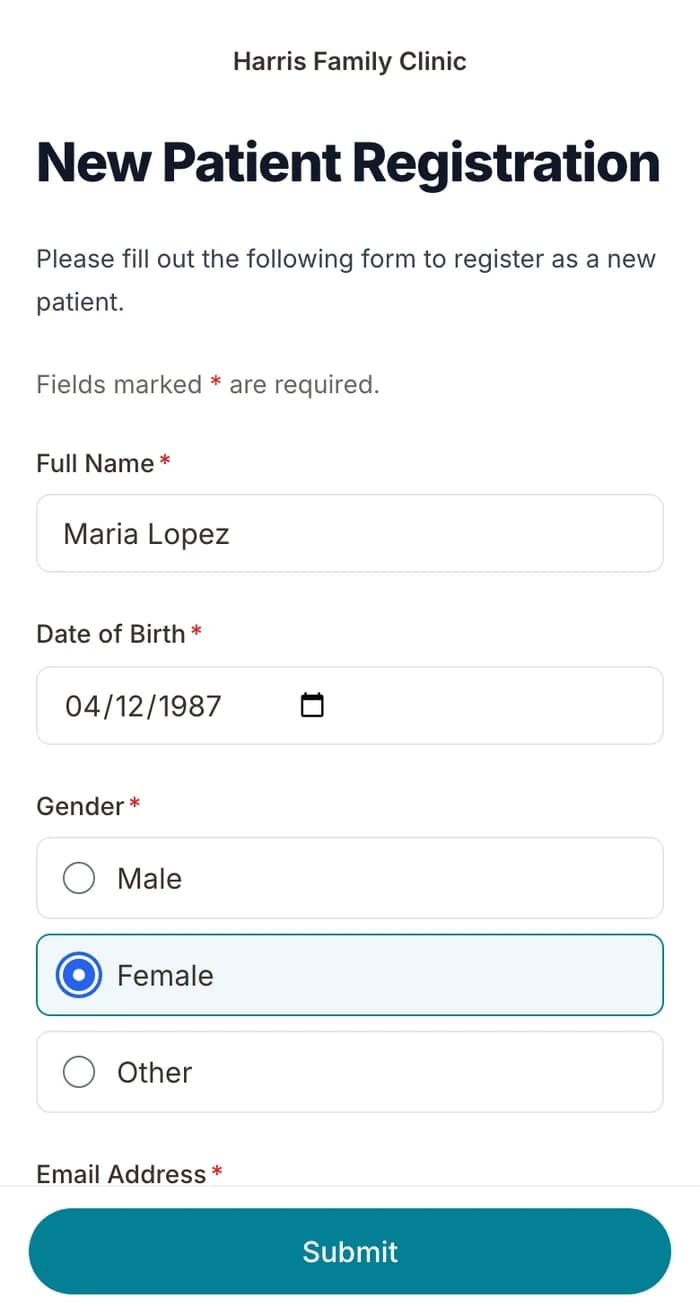
Start from your forms
Upload your PDF or describe a form, and AI builds it.
Signed before the visit
Consents with e-signatures and a full audit trail.
No retyping
Each submission creates or updates the patient record.
How it works
- 01Upload or build your formsUse your PDFs, a template, or the AI form builder.
- 02Patients fill them out at homeA secure link by text or email, before the visit.
- 03The chart fills itself inAnswers, signatures, and insurance cards on the patient record.
What's included
- Upload PDF formsTurn your paper or PDF intake into a mobile form.
- AI form builderDescribe a form in plain English and get it in seconds.
- Patient recordsCreated and updated from every submission.
- E-signaturesLegally binding signatures with an audit trail.
- Custom patient fieldsYour own chart fields, filled from intake answers.
- Insurance verificationCheck eligibility from the chart.
- Online paymentsCollect copays inside your intake forms.
Questions
Retire the clipboard.
Intake, booking, reminders, and payments, set up for you.
BAA included · We set up your front desk