Mental Health Intake Form
Asks about reason for seeking treatment, how have you been feeling recently, and tell us about any worries or anxiety. Built for therapists and licensed counselors.
- Questions
- 13
- Pages
- 2
- Time
- about 3 min
Includes
- Consent agreement
- Medication list
- Emergency contact
Your practice
Mental Health Intake Form
Page 1 of 2 · Your information
Live preview. Tap through it like a patient.
Who it is for
- Therapists and licensed counselors
- Psychiatry and behavioral health practices
- Community mental health centers
- Employee assistance programs (EAP)
What's inside
Page 1 · Your information
- Full NameText · Required
- Phone NumberPhone
- Email AddressEmail
- Reason for Seeking TreatmentLong Text
- How have you been feeling recently?Long Text
Page 2 · Additional details
- Current Medications (Psychiatric)Medications
- Substance Use HistoryLong Text
- Safety AssessmentLong Text
- Treatment GoalsLong Text
- Emergency ContactEmergency Contact
From form to a ready patient
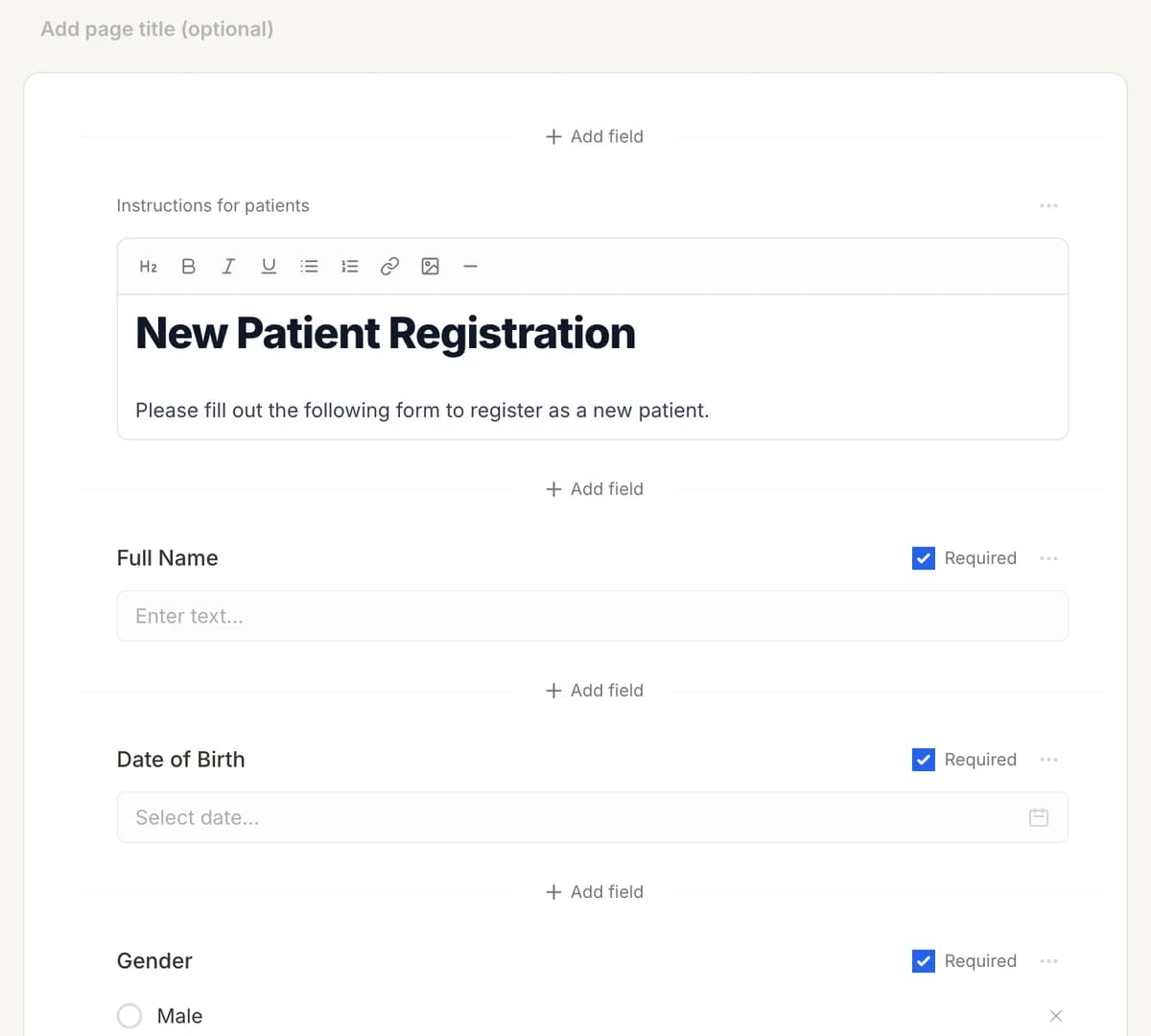
01
Make it yours
Reword, reorder, or add to the Mental Health Intake Form, and add your logo.
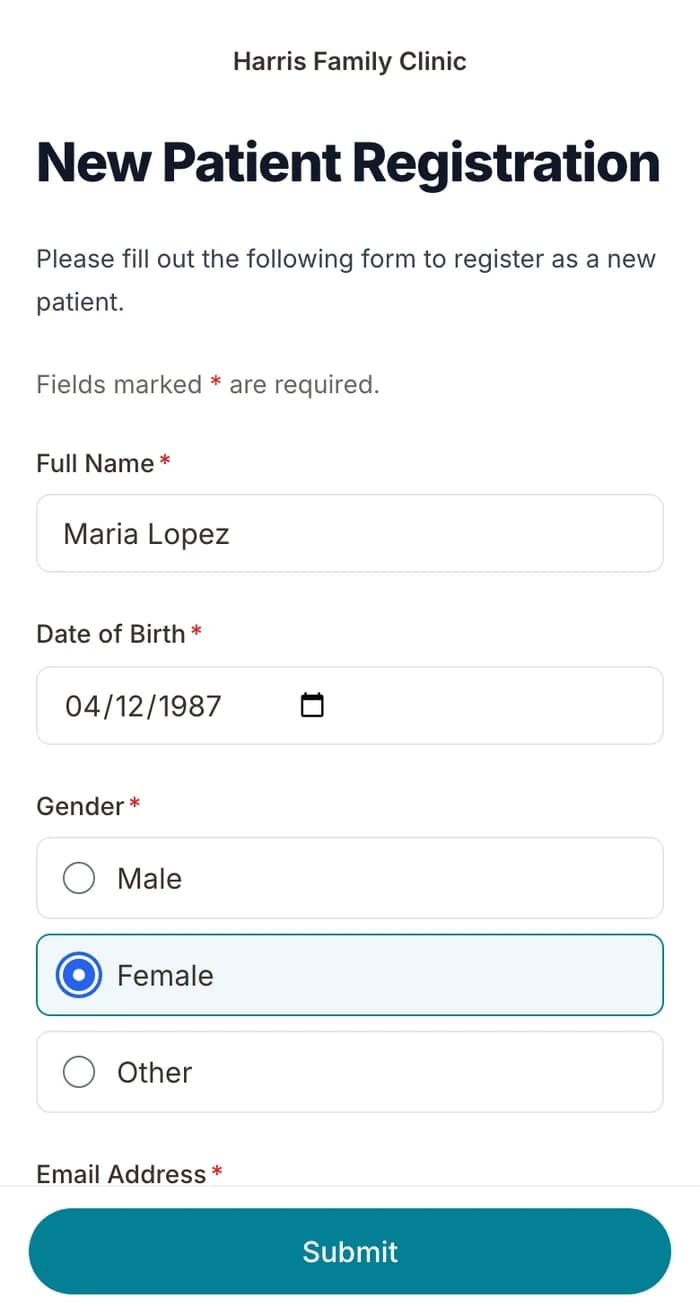
02
Patients finish it at home
A secure link by text or email, filled out on their phone before the visit. No app.
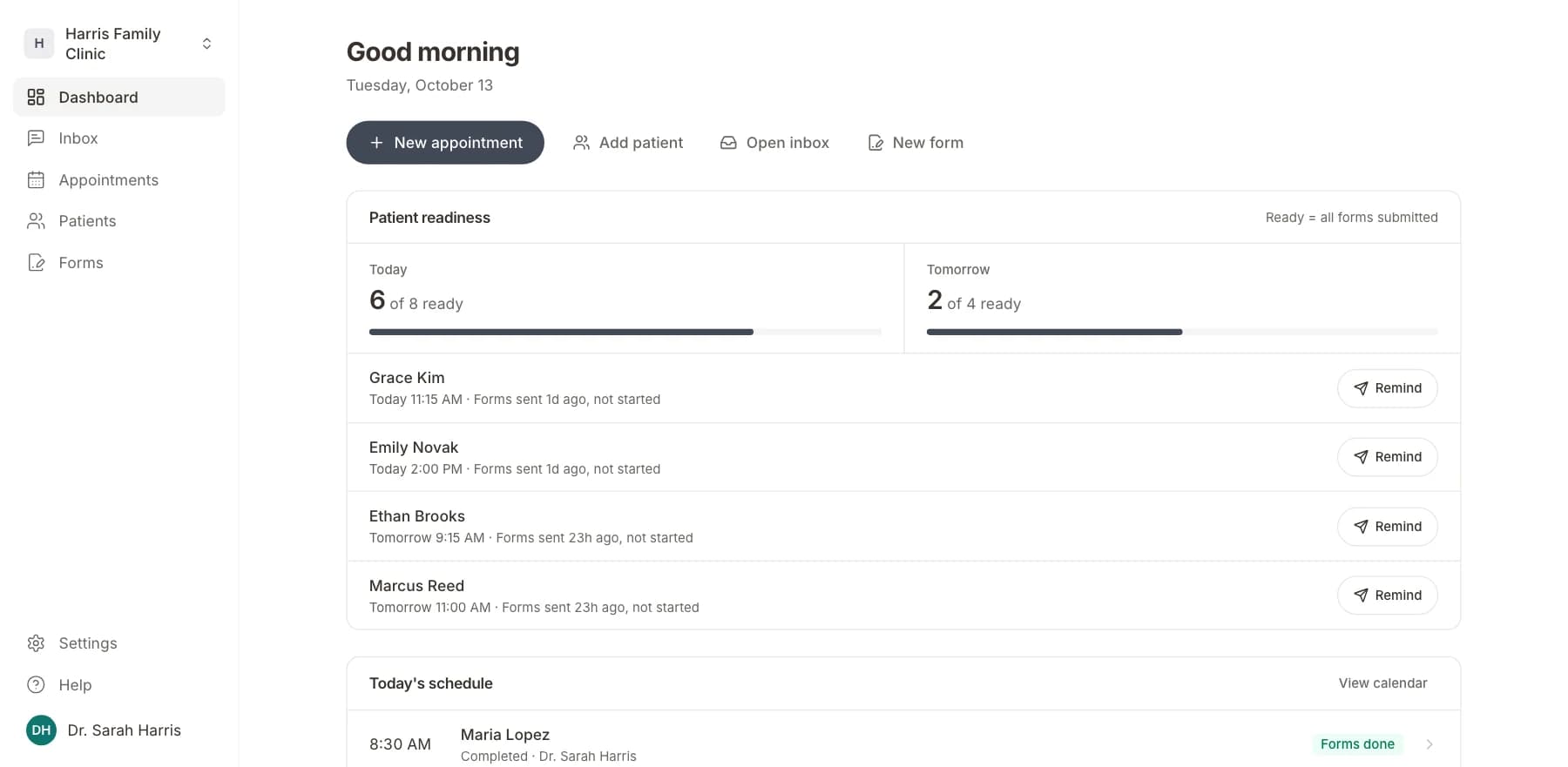
03
Your team sees who is ready
Each visit shows as ready once its forms are in. Answers land on the patient record.
Related templates
All templatesMental Health Treatment Consent FormConsent · 11 questions
Mental Health History FormMedical History · 18 questions
Behavioral Health Intake FormIntake · 8 questions
Mental Status Examination (MSE)Assessment · 16 questions
PHQ-9 Depression ScreeningScreening · 13 questions
Psychiatry Intake FormIntake · 16 questions
Questions
Send it before the visit, so patients arrive ready.
Book a short call and we will set up the Mental Health Intake Form for your practice, ready to send before the next visit.
BAA included · We set up your front desk