Pediatric Intake Form
Asks about child's full name, parent/guardian full name, and parent/guardian phone number. Built for pediatric practices and children's clinics.
- Questions
- 10
- Page
- 1
- Time
- about 3 min
Includes
- E-signature
Your practice
Live preview. Tap through it like a patient.
Who it is for
- Pediatric practices and children's clinics
- Family medicine offices seeing children
- School-based health clinics
- Pediatric specialty referrals
What's inside
- Child's Full NameText · Required
- Date of BirthDate · Required
- Parent/Guardian Full NameText · Required
- Parent/Guardian Phone NumberPhone · Required
- Emergency Contact NameText · Required
- Emergency Contact PhonePhone · Required
- Does your child have any allergies?Long Text
- Is your child up to date on vaccinations?Multiple Choice · 2 choices · Required
- Primary Care PhysicianText
- SignatureE-Signature · Required
From form to a ready patient
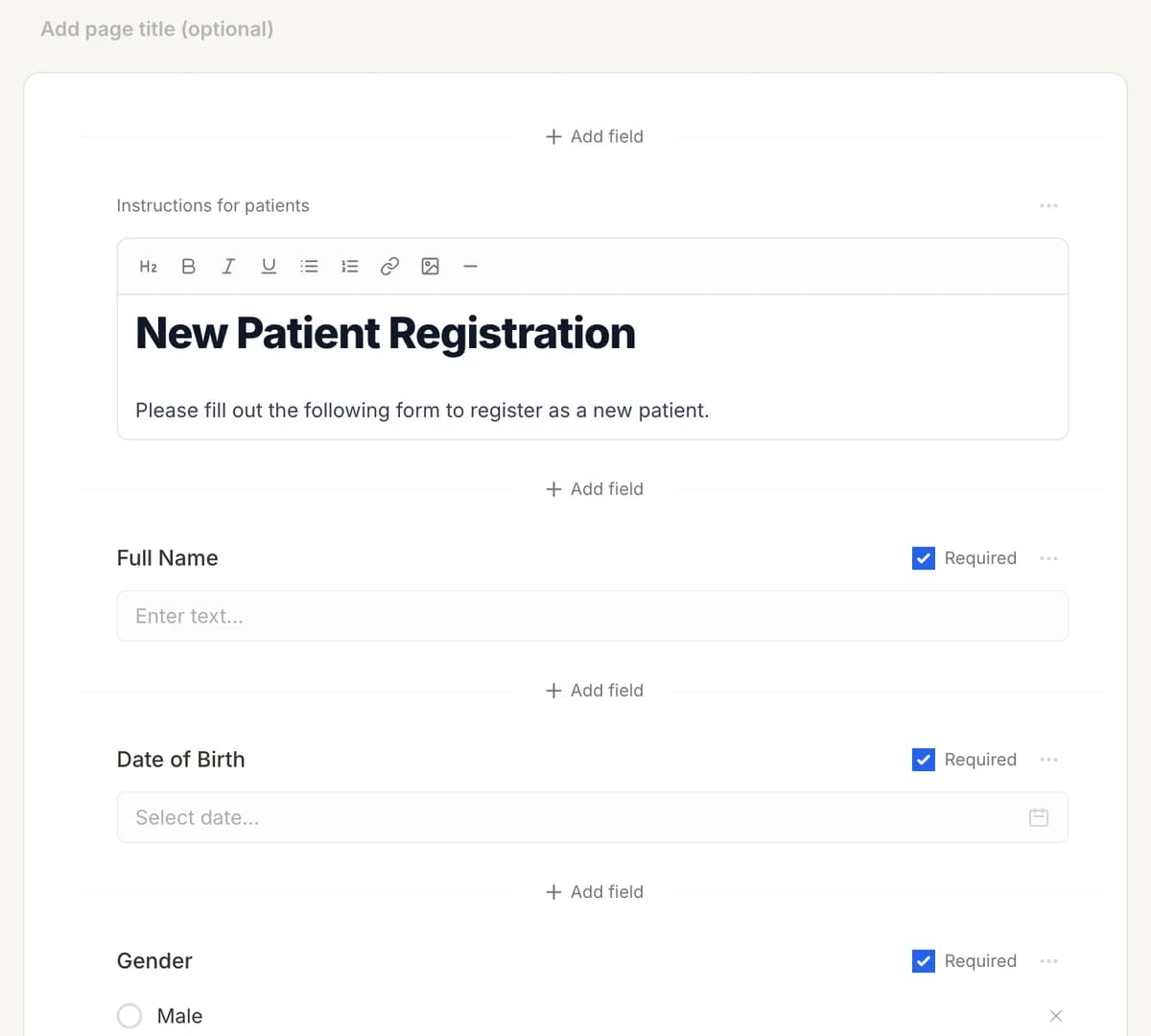
01
Make it yours
Reword, reorder, or add to the Pediatric Intake Form, and add your logo.
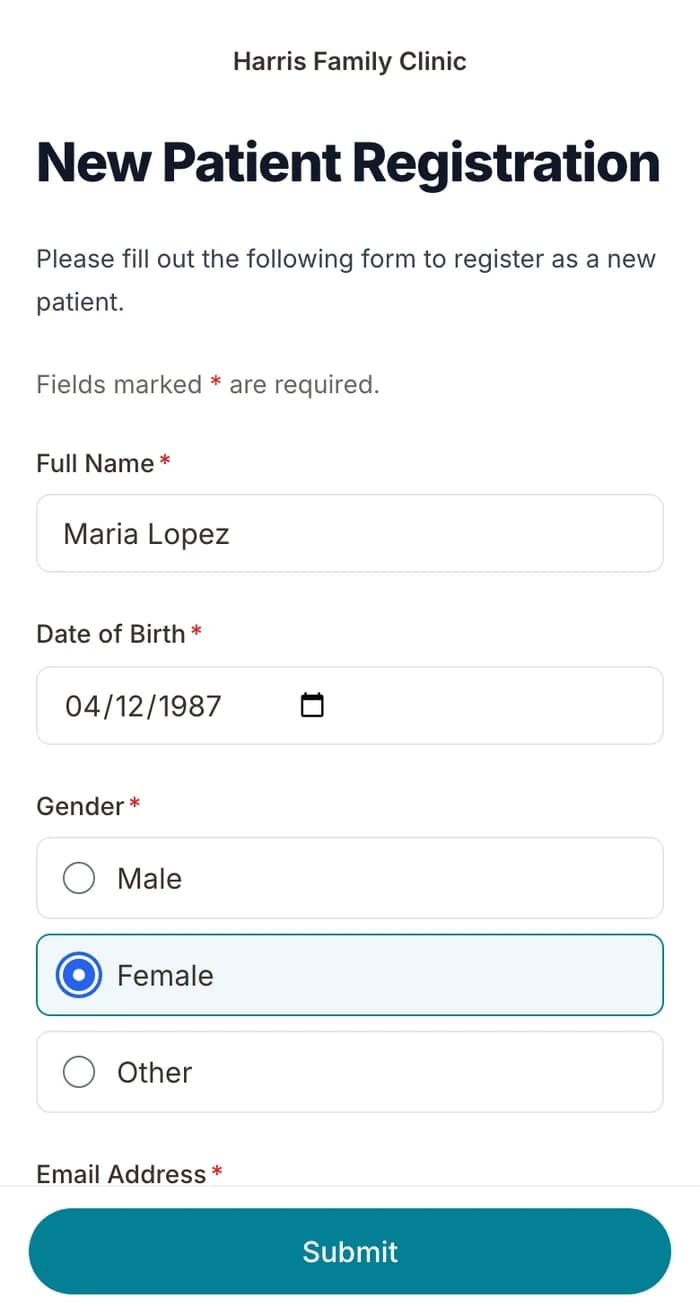
02
Patients finish it at home
A secure link by text or email, filled out on their phone before the visit. No app.
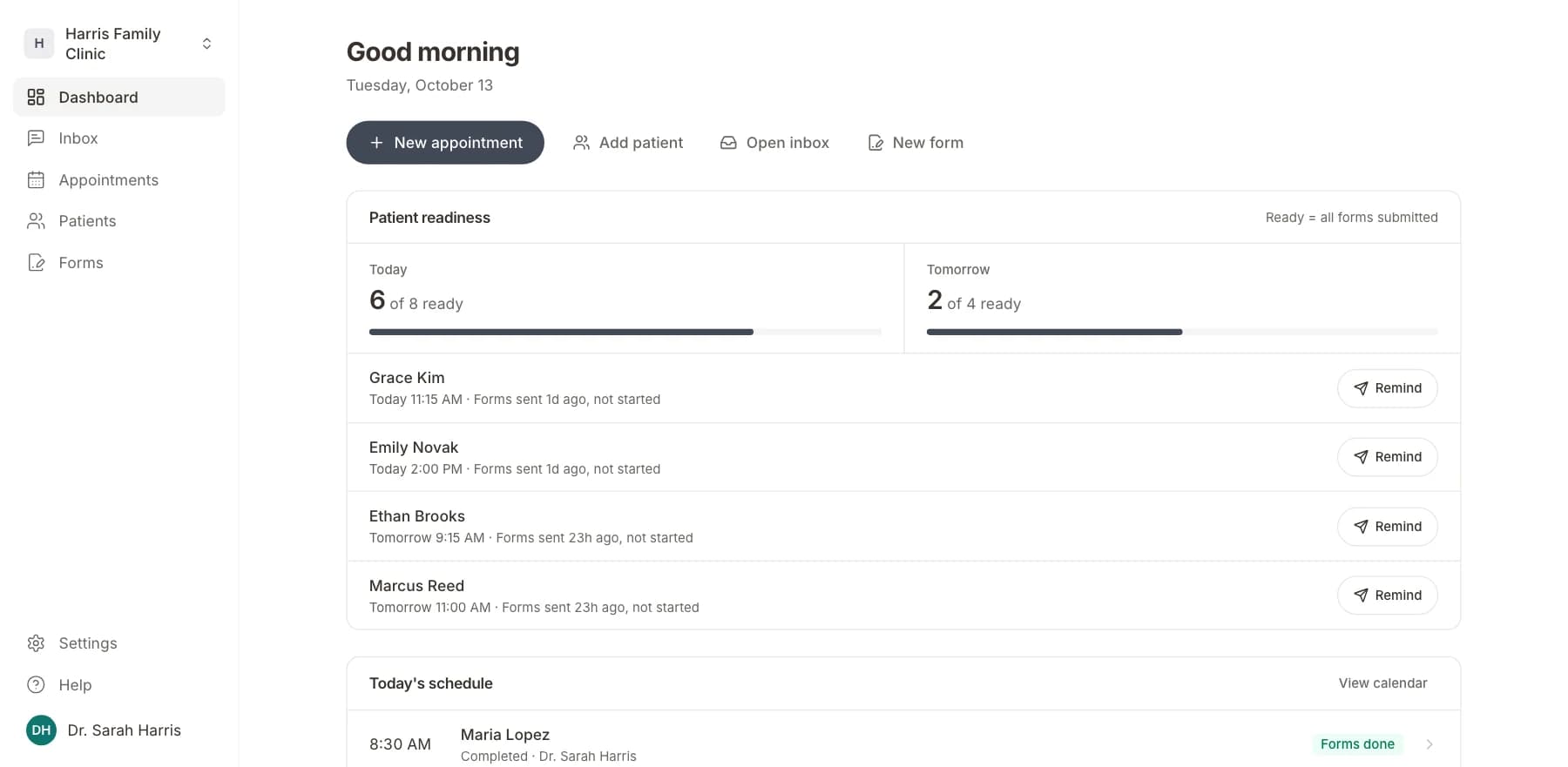
03
Your team sees who is ready
Each visit shows as ready once its forms are in. Answers land on the patient record.
Related templates
All templatesPediatric Developmental Screening FormScreening · 14 questions
Pediatric Dentistry Intake FormIntake · 16 questions
Pediatric Asthma Severity AssessmentAssessment · 14 questions
Pediatric Medical History FormMedical History · 18 questions
School Physical Examination FormRegistration · 15 questions
Autism M-CHAT Screening FormScreening · 14 questions
Questions
Send it before the visit, so patients arrive ready.
Book a short call and we will set up the Pediatric Intake Form for your practice, ready to send before the next visit.
BAA included · We set up your front desk