HIV Testing Consent Form
Asks about test type, pre-test information reviewed, and confidentiality protections acknowledged. Built for documenting informed consent before HIV screening in clinical settings.
- Questions
- 11
- Pages
- 2
- Time
- about 3 min
Includes
- E-signature
- Consent agreement
Your practice
HIV Testing Consent Form
Page 1 of 2 · Your information
Live preview. Tap through it like a patient.
Who it is for
- Documenting informed consent before HIV screening in clinical settings
- Meeting state-specific consent requirements for HIV testing
- Recording pre-test counseling and confidentiality acknowledgment
- Providing patients with information about test types and result notification
What's inside
Before you publish: Add your practice-approved consent wording before publishing.
Page 1 · Your information
- Patient Full NameText · Required
- Date of BirthDate
- Test TypeLong Text
- Pre-Test Information ReviewedLong Text
- Confidentiality Protections AcknowledgedLong Text
Page 2 · Additional details
- Preferred Results Notification MethodLong Text
- Right to Decline Testing AcknowledgedLong Text
- Consent to HIV TestingConsent Agreement
- Patient SignatureE-Signature
- Date of ConsentDate
From form to a ready patient
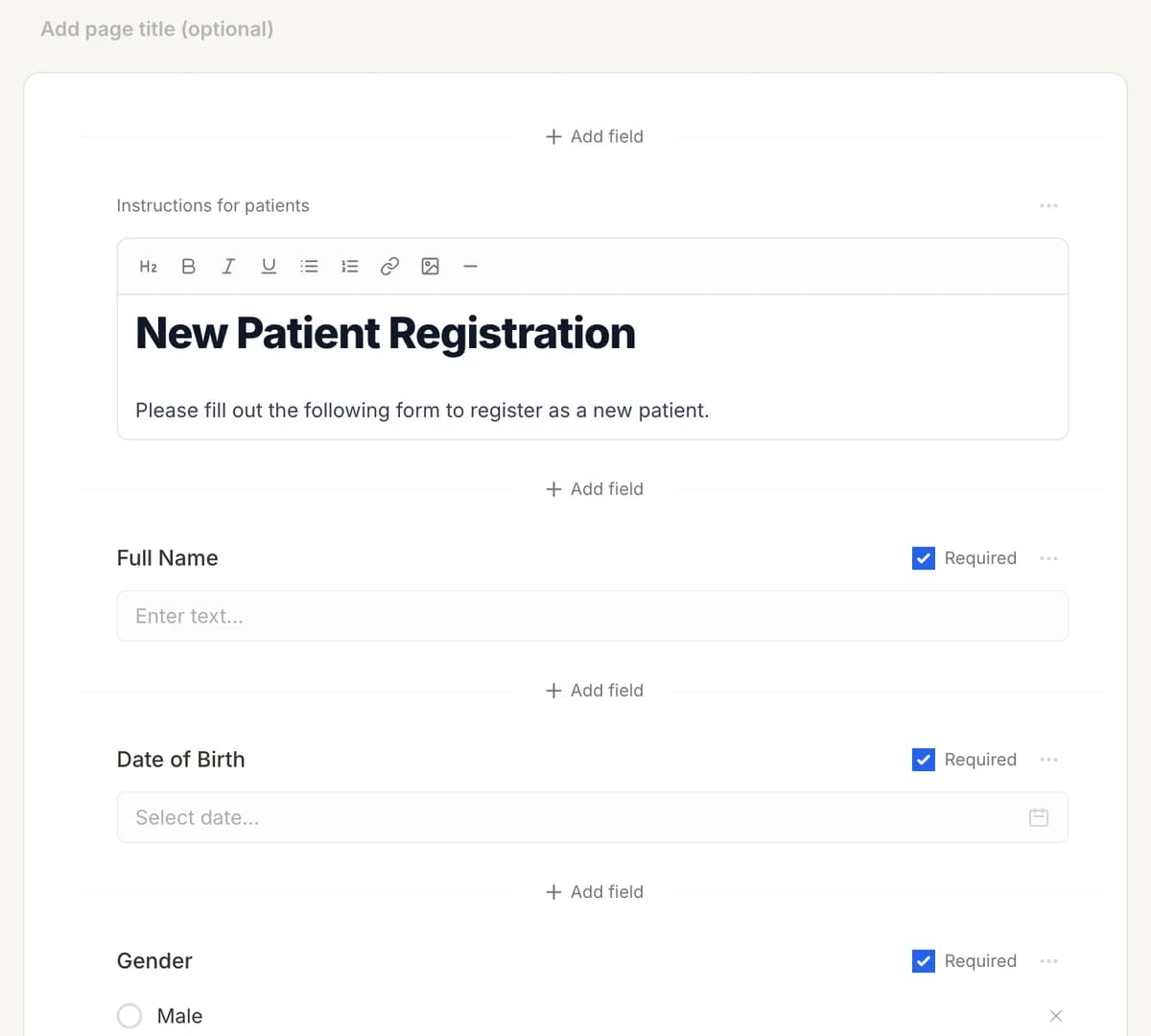
01
Make it yours
Reword, reorder, or add to the HIV Testing Consent Form, and add your logo.
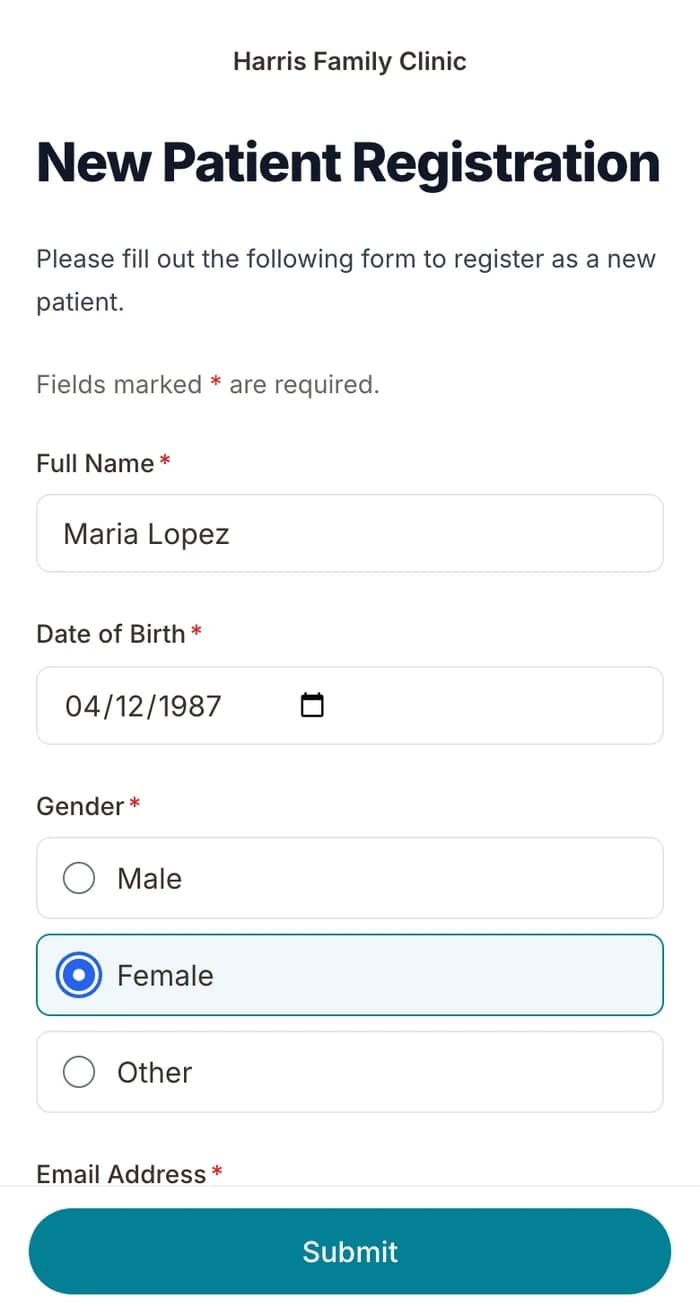
02
Patients finish it at home
A secure link by text or email, filled out on their phone before the visit. No app.
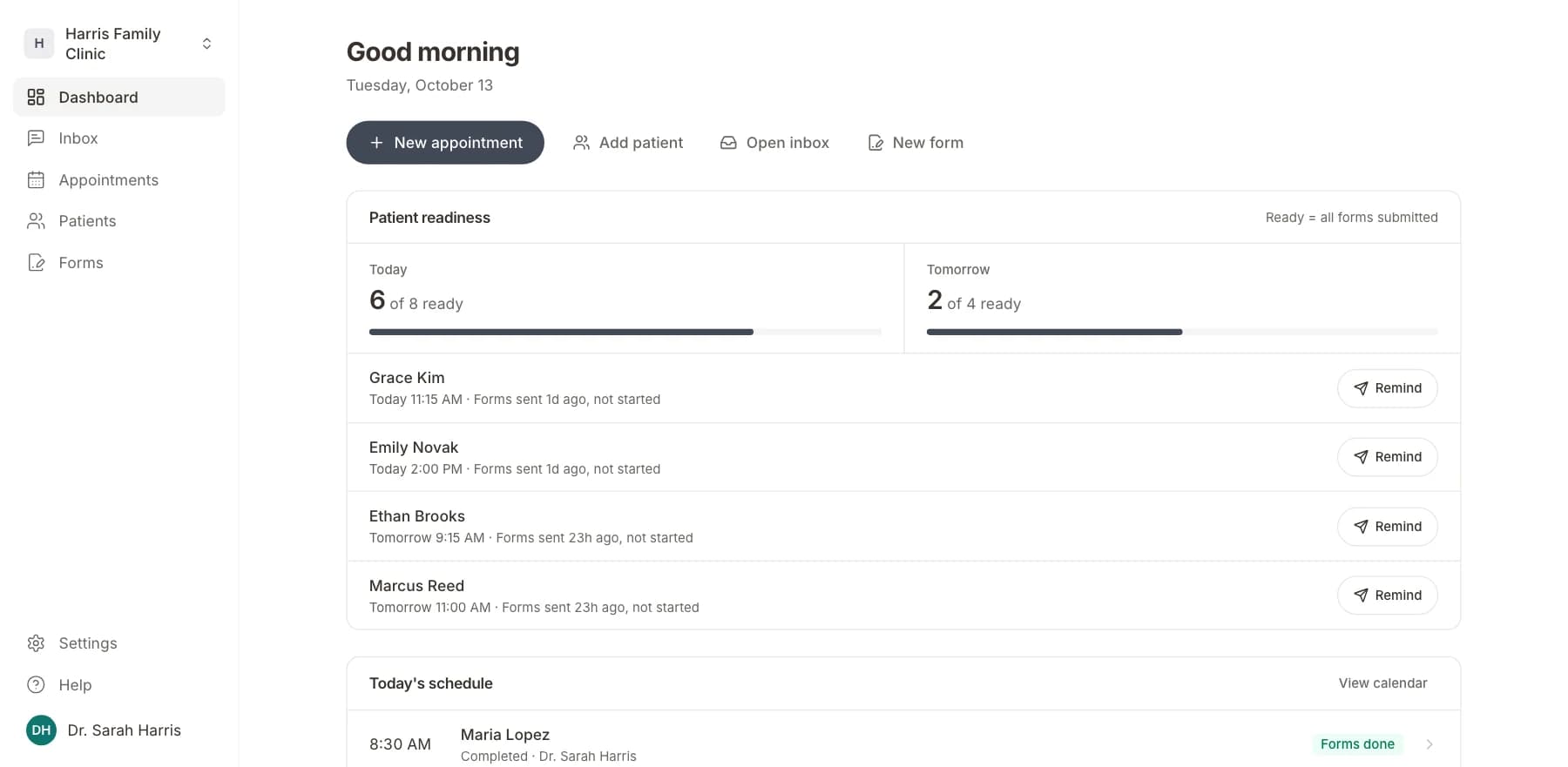
03
Your team sees who is ready
Each visit shows as ready once its forms are in. Answers land on the patient record.
Related templates
All templatesGenetic Testing Consent FormConsent · 14 questions
Anesthesia Consent FormConsent · 10 questions
Blood Transfusion Consent FormConsent · 12 questions
Chiropractic Treatment Consent FormConsent · 12 questions
Cosmetic Procedure Consent FormConsent · 12 questions
General Treatment Consent FormConsent · 5 questions
Questions
Send it before the visit, so patients arrive ready.
Book a short call and we will set up the HIV Testing Consent Form for your practice, ready to send before the next visit.
BAA included · We set up your front desk