Physical Therapy Consent Form
Asks about referring physician, primary condition or diagnosis, and treatment techniques authorized. Built for onboarding new patients for outpatient physical therapy programs.
- Questions
- 11
- Pages
- 2
- Time
- about 3 min
Includes
- E-signature
- Consent agreement
Your practice
Physical Therapy Consent Form
Page 1 of 2 · Your information
Live preview. Tap through it like a patient.
Who it is for
- Onboarding new patients for outpatient physical therapy programs
- Documenting consent for manual therapy and therapeutic modalities
- Recording patient commitment to home exercise and attendance expectations
- Meeting informed consent requirements for sports rehabilitation services
What's inside
Before you publish: Add your practice-approved consent wording before publishing.
Page 1 · Your information
- Patient Full NameText · Required
- Date of BirthDate
- Referring PhysicianText
- Primary Condition or DiagnosisText
- Treatment Techniques AuthorizedLong Text
Page 2 · Additional details
- Home Exercise Program CommitmentLong Text
- Modalities Consent (e.g., E-Stim, Ultrasound)Consent Agreement
- Consent to TreatmentConsent Agreement
- Patient SignatureE-Signature
- Date of ConsentDate
From form to a ready patient
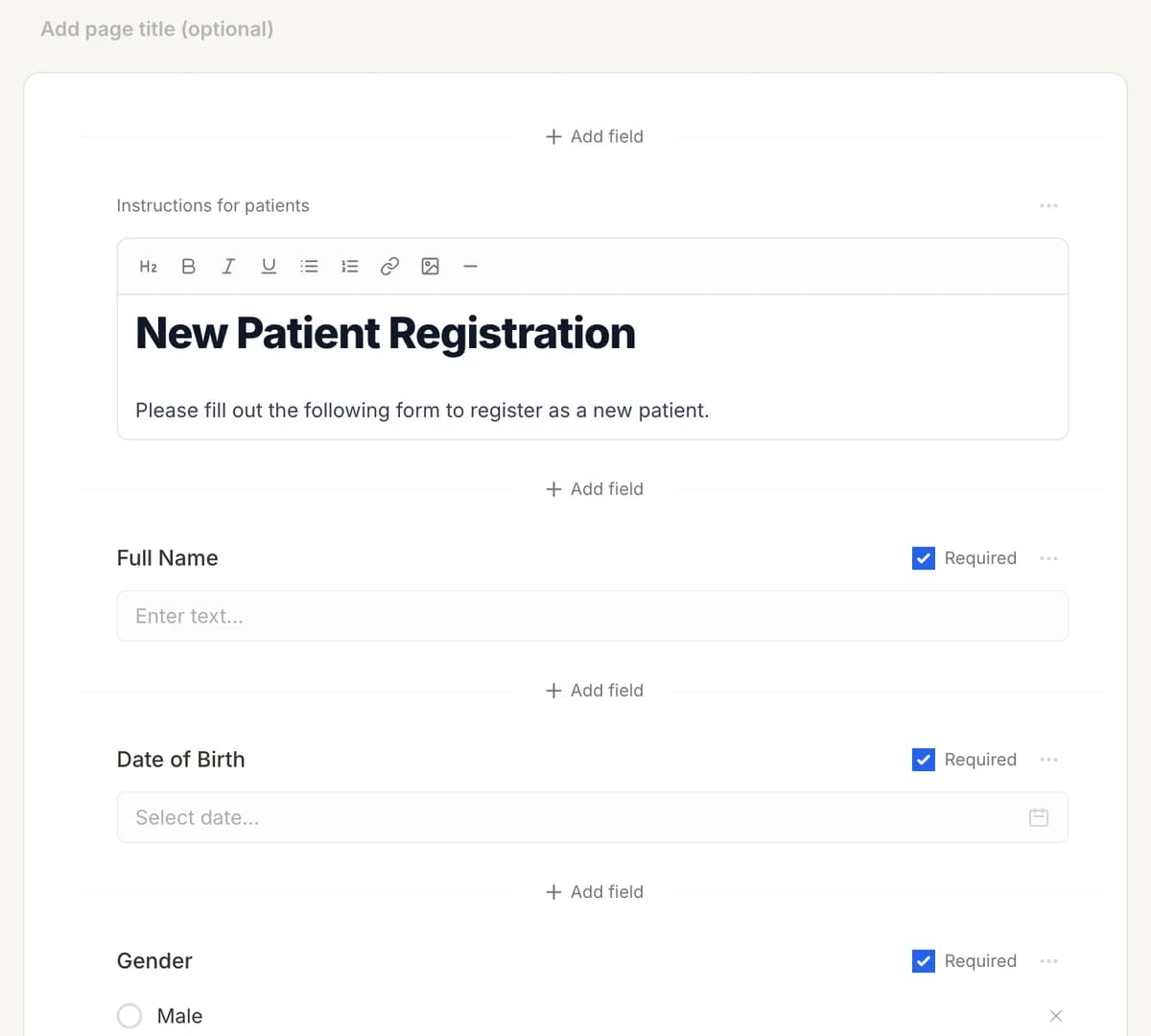
01
Make it yours
Reword, reorder, or add to the Physical Therapy Consent Form, and add your logo.
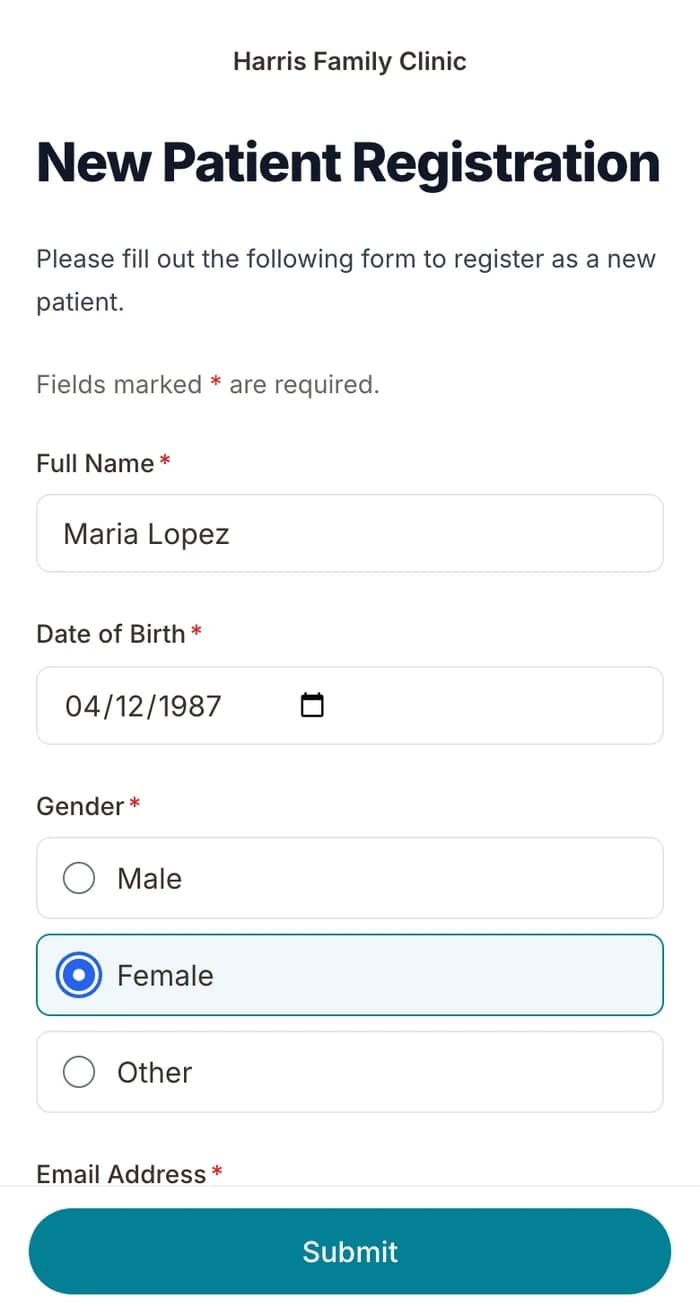
02
Patients finish it at home
A secure link by text or email, filled out on their phone before the visit. No app.
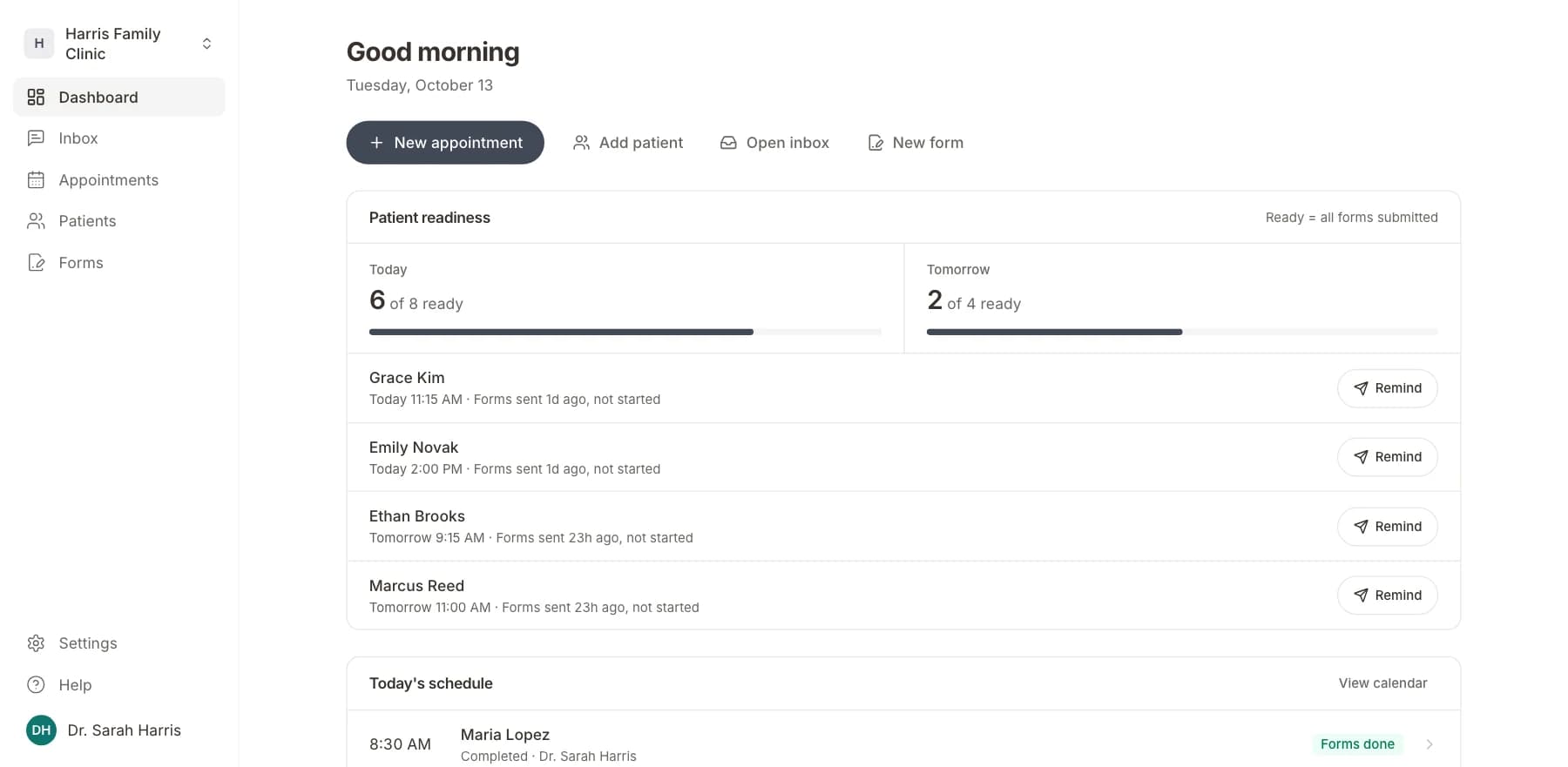
03
Your team sees who is ready
Each visit shows as ready once its forms are in. Answers land on the patient record.
Related templates
All templatesPhysical Therapy Intake FormIntake · 18 questions
Chiropractic Treatment Consent FormConsent · 12 questions
Occupational Therapy Intake FormIntake · 16 questions
Radiation Therapy Consent FormConsent · 14 questions
Anesthesia Consent FormConsent · 10 questions
Blood Transfusion Consent FormConsent · 12 questions
Questions
Send it before the visit, so patients arrive ready.
Book a short call and we will set up the Physical Therapy Consent Form for your practice, ready to send before the next visit.
BAA included · We set up your front desk