Pricing
Pricing built around your practice.
We help you get every patient ready before the visit, tailored to how you work, and we set up your front desk. Tell us what you need and we'll send you a price.
What we can set up for you
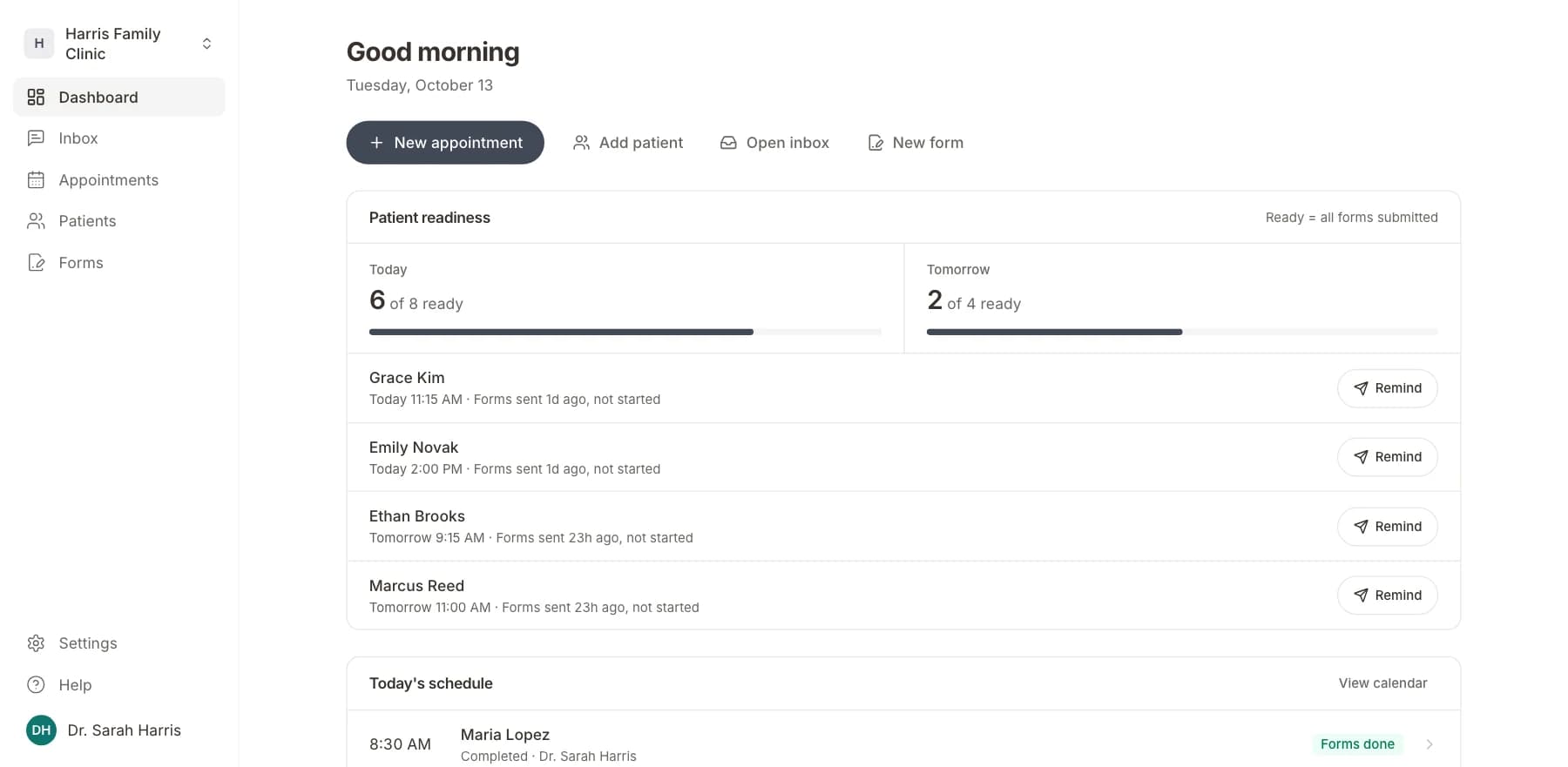
Patient readiness
See who is ready for each visit, and remind the rest.
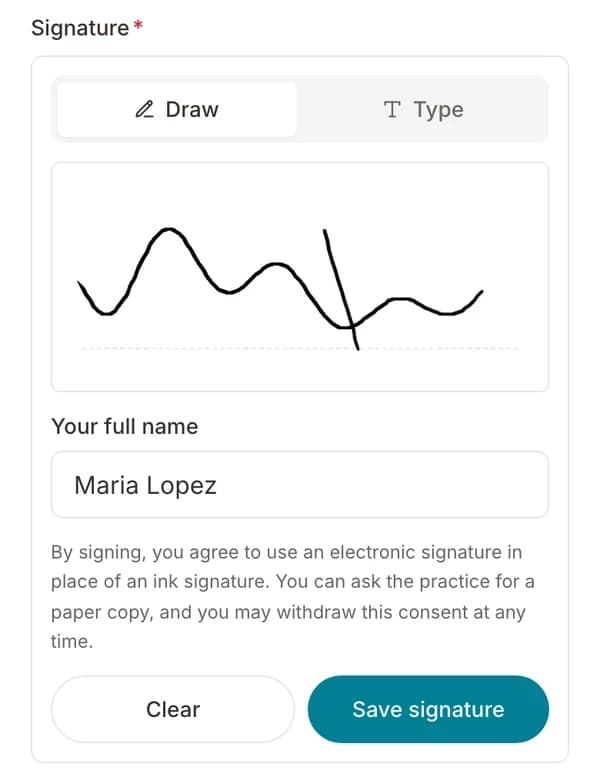
Intake forms and e-signatures
Patients fill out and sign your forms on their phone.
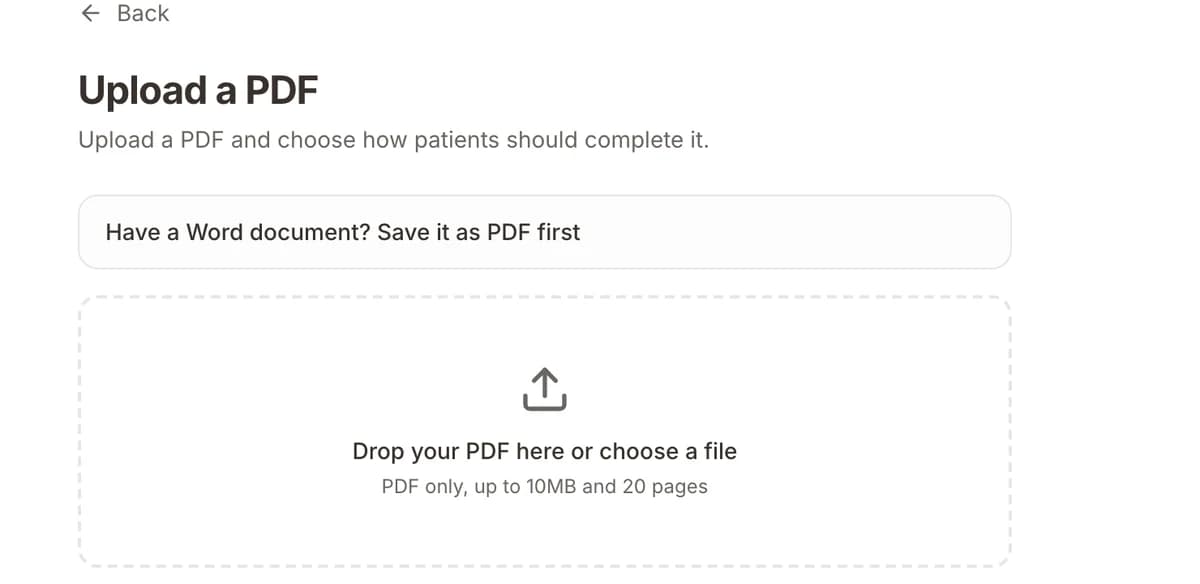
AI form builder
Turn your paper forms into online forms.
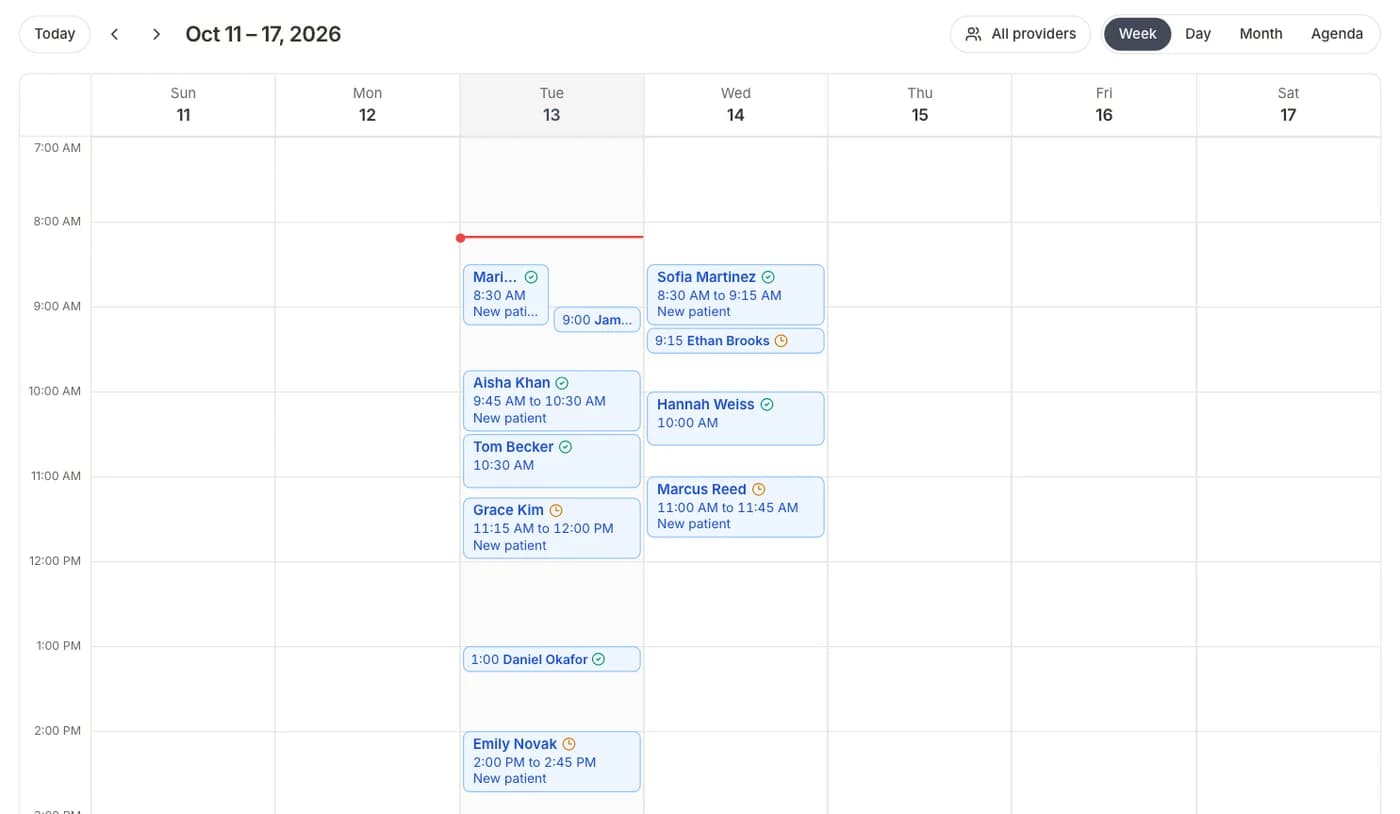
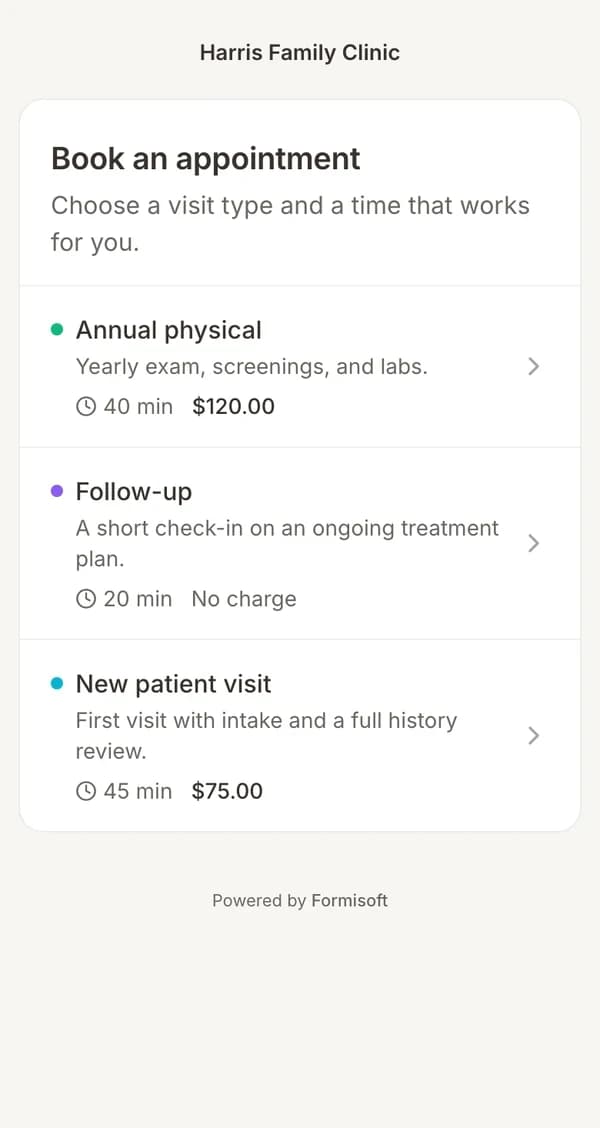
Online booking
Patients book online, on your schedule.
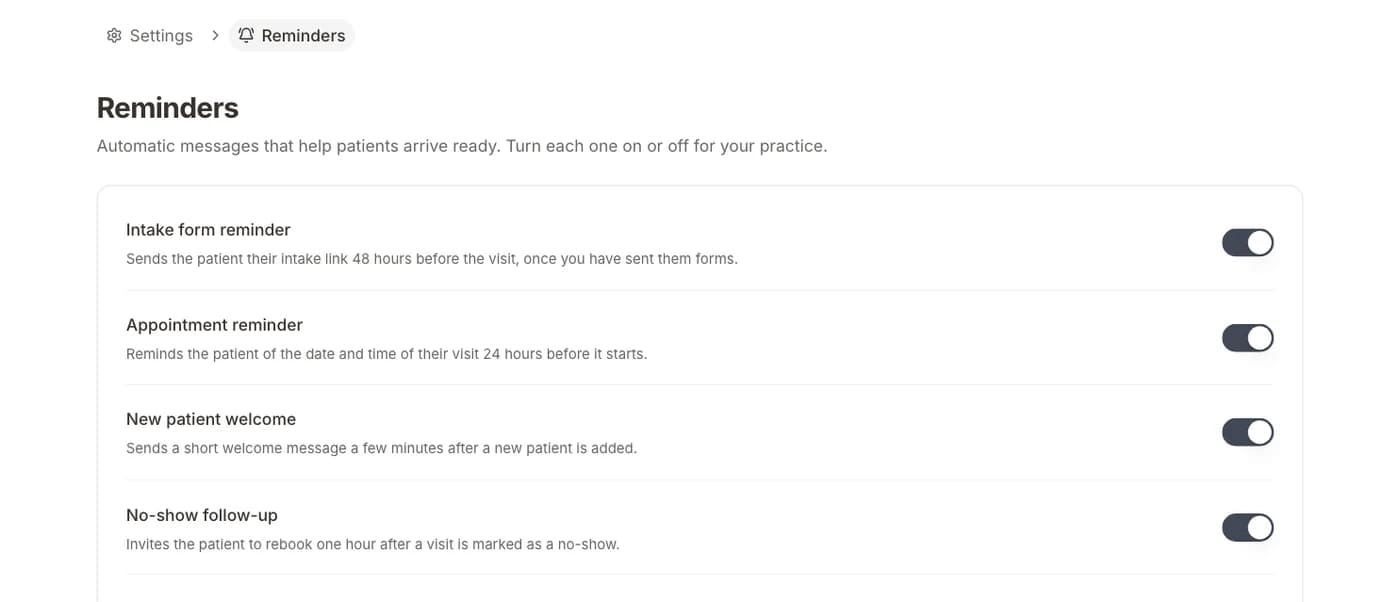
Reminders
Text and email reminders before the visit.
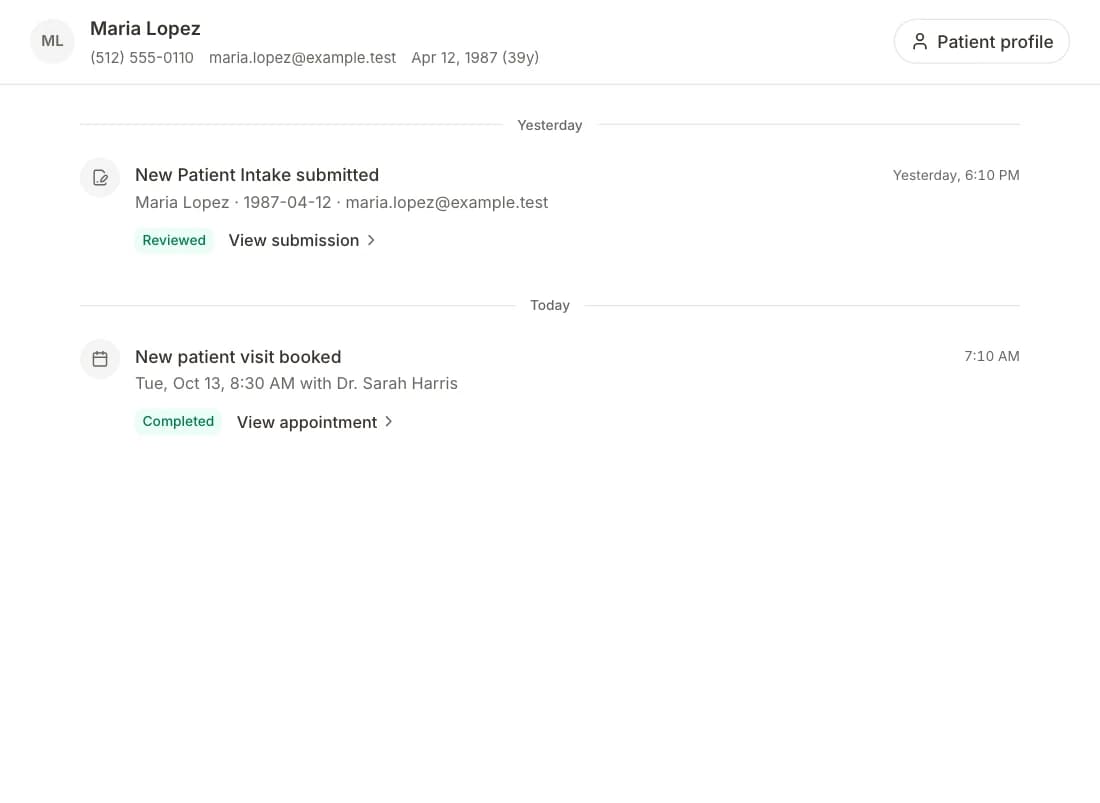
Patient inbox
Patient replies in one place.
Online payments
Collect payments online.
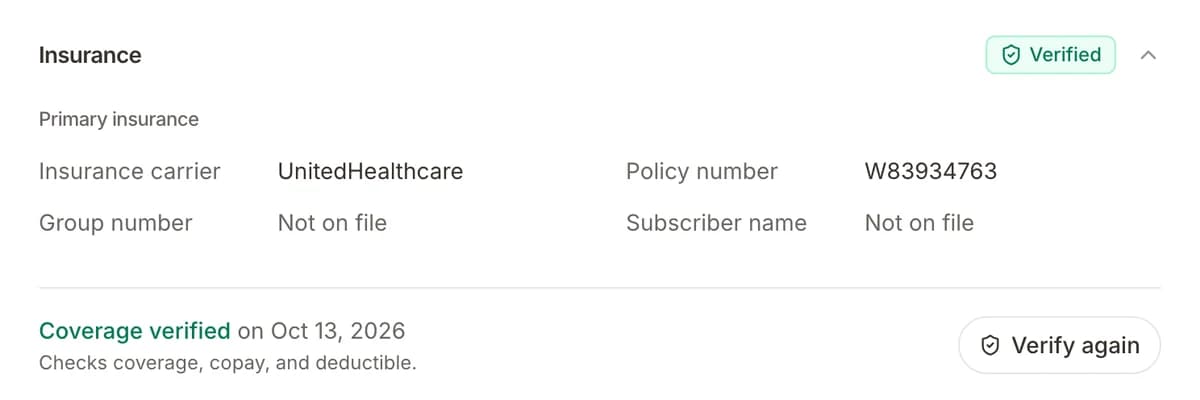
Insurance checks
Check a patient's insurance before the visit.
Get your price
- 1Tell us about your practice
- 2We send you a price
- 3We set up your front desk