On the Formisoft platform

Part of Collect, Patient intake: digital, complete, before the visit

View full overview

Collect capability

Custom Patient Fields

Optional chart fields, sync from intake forms when you need them

Define the fields your practice actually needs. Intake answers land on the chart automatically.

Custom fields per practice
1Chart hub for every patient
0Re-typing intake answers
Custom Patient Fields
Chart · Sarah J.3 custom fields
Custom data
Referral source
Google
from intake
Pain level (1–10)
4
from intake
Last PT date
Jan 12, 2026
Intake form
“How did you hear about us?”
Google
sync
Chart field
Referral source
Google
TextDateDropdownStaff-only

How it works

  1. Define fields in Settings

    Add text, date, select, and other field types. Set who can view and edit them.

  2. Map form questions

    Connect intake form fields to chart fields so submissions update the record.

  3. View on the patient chart

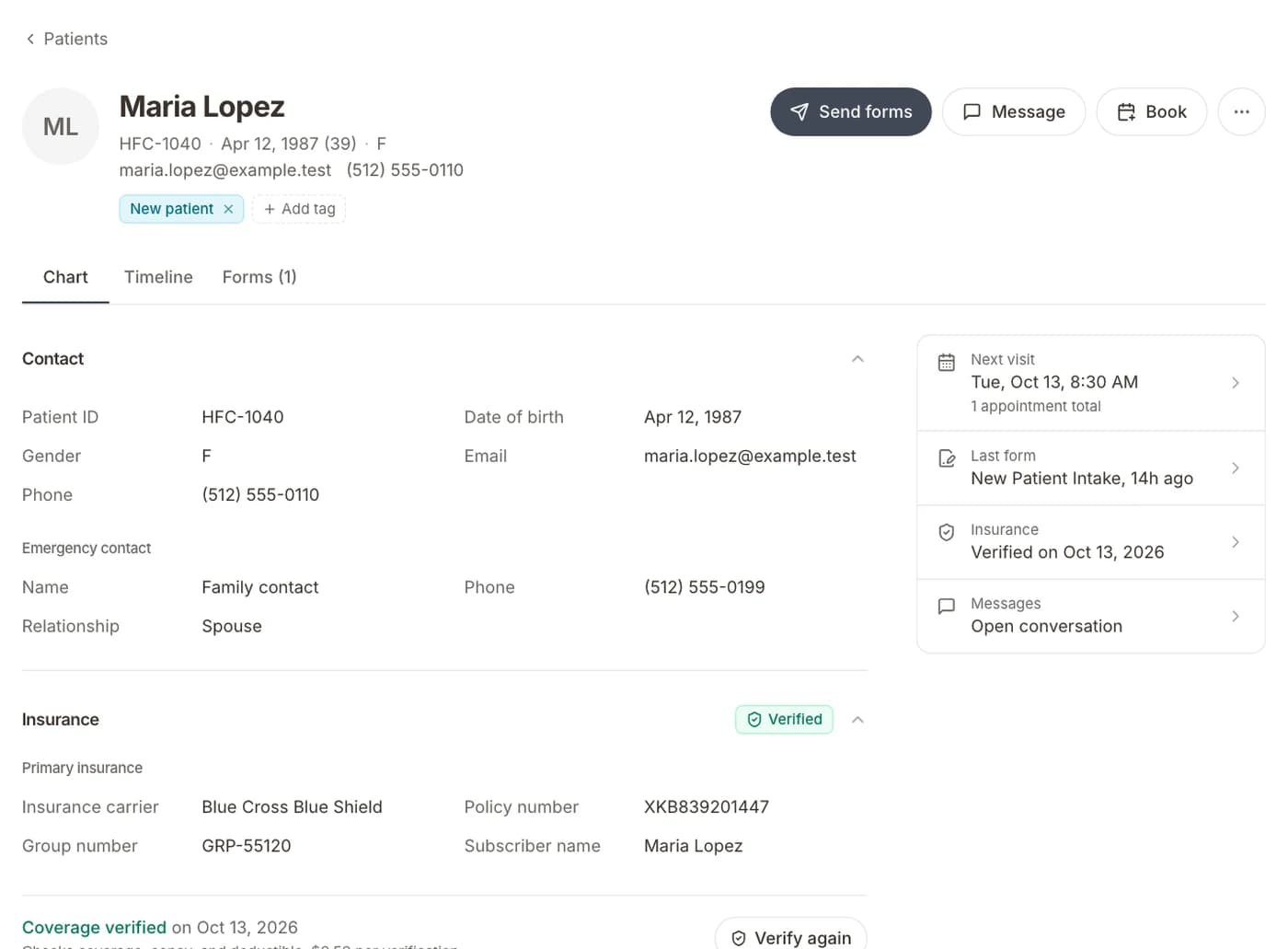
    See custom data with contact, insurance, and clinical sections in one hub.

  4. Staff fill in-office

    Complete staff-only forms at the desk when patients prefer paper or phone intake.

More in Collect

Other tools that work with Custom Patient Fields in the same step.

Part of Collect on the platform

Built for real practices

What practices get with custom patient fields, included from day one.

Flexible field types

Text, dates, dropdowns, and more, configured per practice.

Patient vs staff audience

Control whether fields appear on patient forms, staff-only forms, or both.

Form-to-chart mapping

Sync intake answers into chart fields automatically when patients submit.

Chart + forms in one hub

Current chart snapshot and form submission history on the same patient profile.

FAQ

What field types are supported?

Text, dates, dropdowns, and other types configured in patient field settings.

Can intake forms update custom fields?

Yes. Map form questions to chart fields so submissions sync into the patient record.

Can staff fill forms on behalf of patients?

Yes. Staff-only forms and in-office fill workflows are supported.

Do custom fields work with the patient chart?

Yes. Custom fields appear in dedicated chart sections alongside standard demographics and insurance.

More FAQs

Try Formisoft

Scheduling, patient intake, patient communications, telehealth, and reviews in one platform, one login.

Get started free