Advance Directive Form
Asks about life-sustaining treatment preferences, cardiopulmonary resuscitation (CPR) preference, and mechanical ventilation preference. Built for hospital admission advance directive screening.
- Questions
- 14
- Page
- 1
- Time
- about 4 min
Includes
- E-signature
Your practice
Live preview. Tap through it like a patient.
Who it is for
- Hospital admission advance directive screening
- Primary care annual wellness visit documentation
- Geriatric and palliative care patient planning
- Surgical pre-admission advance care planning
What's inside
- Full NameText · Required
- Date of BirthDate · Required
- Life-Sustaining Treatment PreferencesMultiple Choice · 3 choices · Required
- Cardiopulmonary Resuscitation (CPR) PreferenceMultiple Choice · 2 choices · Required
- Mechanical Ventilation PreferenceMultiple Choice · 3 choices · Required
- Artificial Nutrition and Hydration PreferenceMultiple Choice · 3 choices · Required
- Healthcare Proxy NameText · Required
- Healthcare Proxy Phone NumberPhone · Required
- Healthcare Proxy RelationshipText · Required
- Additional Wishes or InstructionsLong Text
From form to a ready patient
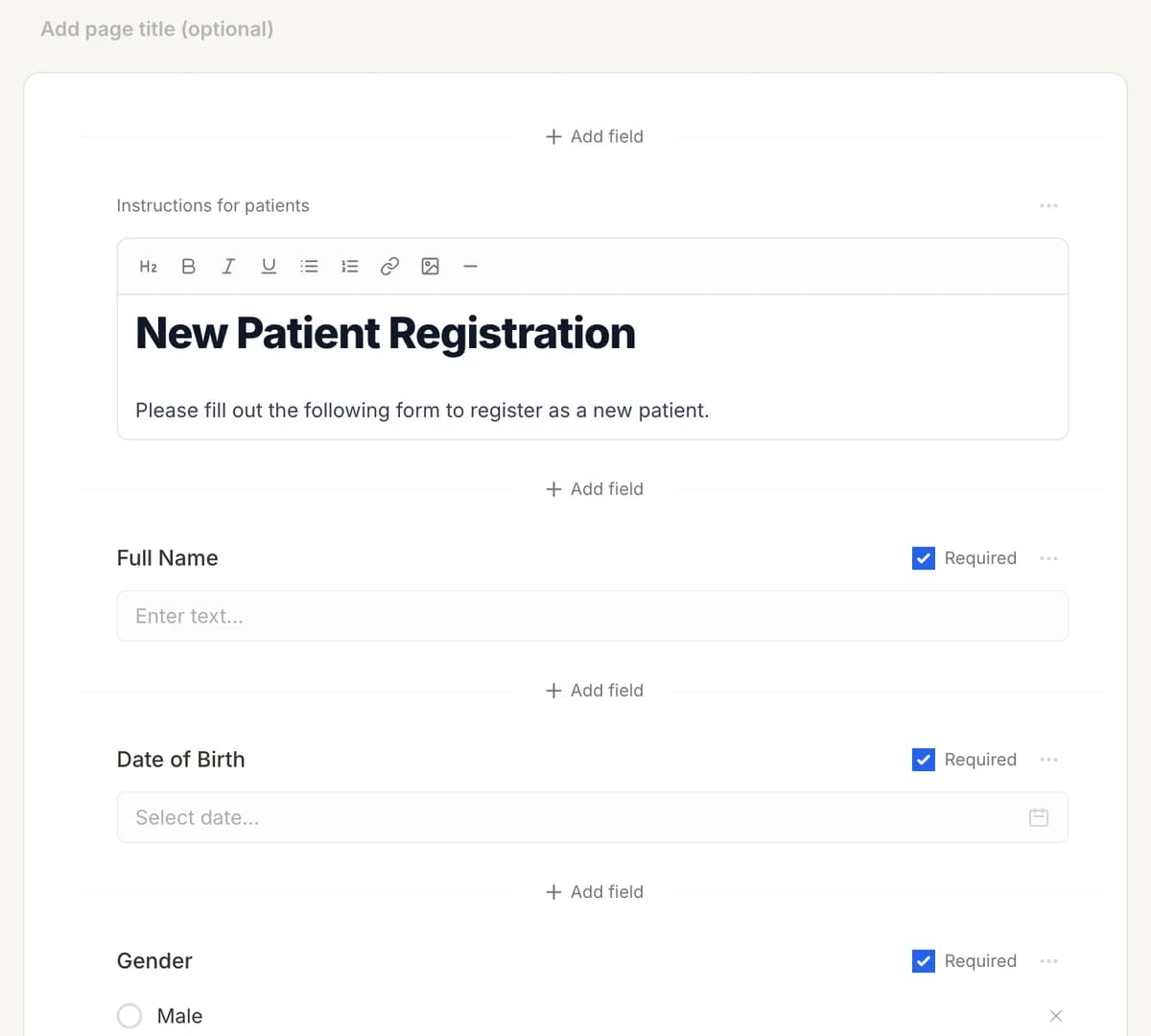
01
Make it yours
Reword, reorder, or add to the Advance Directive Form, and add your logo.
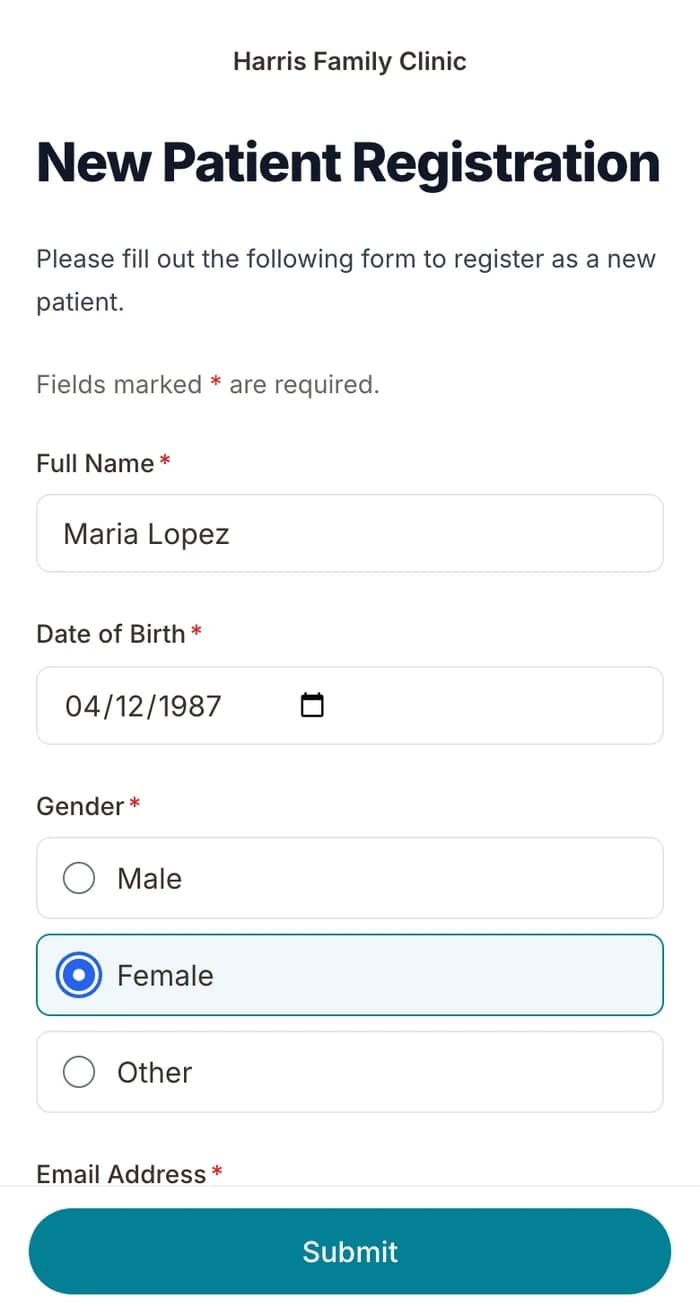
02
Patients finish it at home
A secure link by text or email, filled out on their phone before the visit. No app.
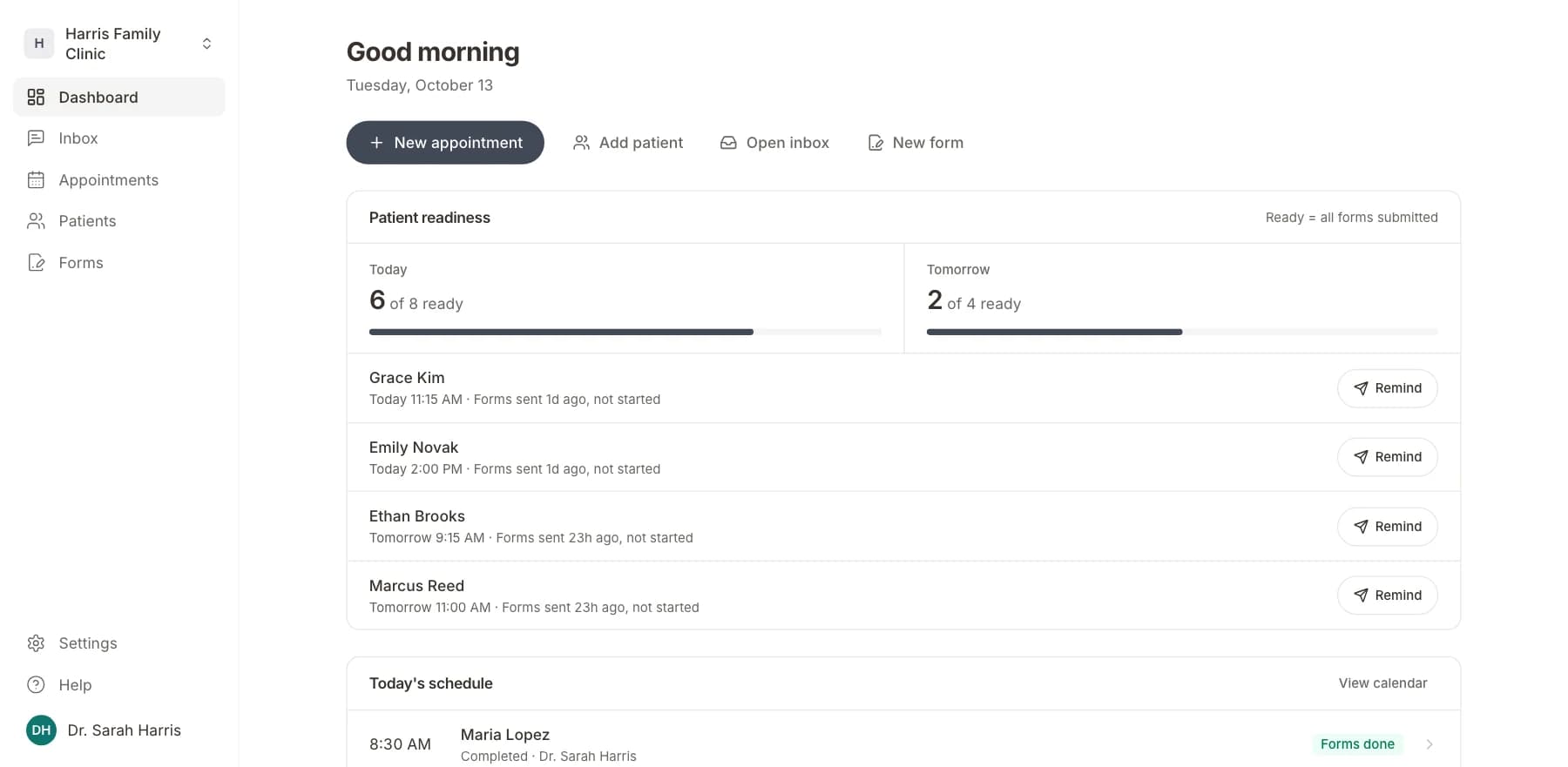
03
Your team sees who is ready
Each visit shows as ready once its forms are in. Answers land on the patient record.
Related templates
All templatesHospice & Palliative Care Intake FormIntake · 16 questions
Appointment Request FormRegistration · 11 questions
Clinical Trial Enrollment FormRegistration · 15 questions
Emergency Contact FormRegistration · 11 questions
Group Visit Registration FormRegistration · 10 questions
Infusion Therapy Registration FormRegistration · 10 questions
Questions
Send it before the visit, so patients arrive ready.
Book a short call and we will set up the Advance Directive Form for your practice, ready to send before the next visit.
BAA included · We set up your front desk