Neonatal Assessment Form
Asks about newborn information, date & time of birth, and gestational age. Built for delivery room APGAR scoring and immediate neonatal stabilization documentation.
- Questions
- 18
- Pages
- 2
- Time
- about 5 min
Includes
- E-signature
Your practice
Neonatal Assessment Form
Page 1 of 2 · Your information
Live preview. Tap through it like a patient.
Who it is for
- Delivery room APGAR scoring and immediate neonatal stabilization documentation
- Well-baby nursery admission physical examination and gestational age determination
- NICU admission assessment with detailed systems-based examination and maternal risk factors
- Newborn follow-up visit documentation within 48-72 hours of hospital discharge
What's inside
Before you publish: Clinical review required: this worksheet does not calculate scores, diagnose, or recommend treatment. Confirm the questions and response options against your approved assessment protocol before use.
Page 1 · Your information
- Newborn InformationText
- Date & Time of BirthDate
- Gestational AgeText
- Birth Weight / Length / Head CircumferenceText
- APGAR Score (1 min)Number
Page 2 · Additional details
- Cardiac ExaminationLong Text
- Respiratory StatusLong Text
- Abdominal & Umbilical ExamLong Text
- Hip Stability (Ortolani/Barlow)Long Text
- Primitive ReflexesLong Text
From form to a ready patient
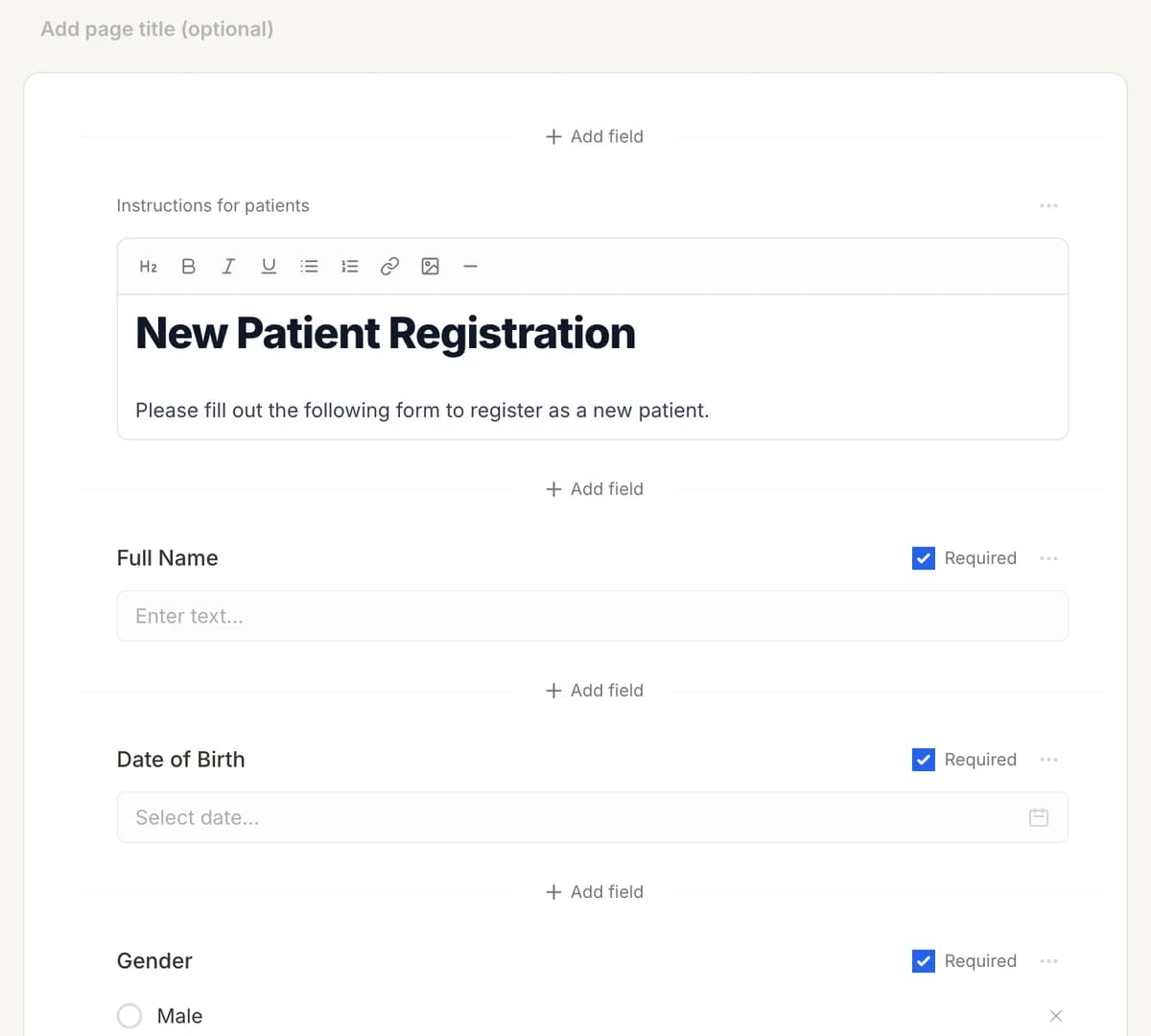
01
Make it yours
Reword, reorder, or add to the Neonatal Assessment Form, and add your logo.
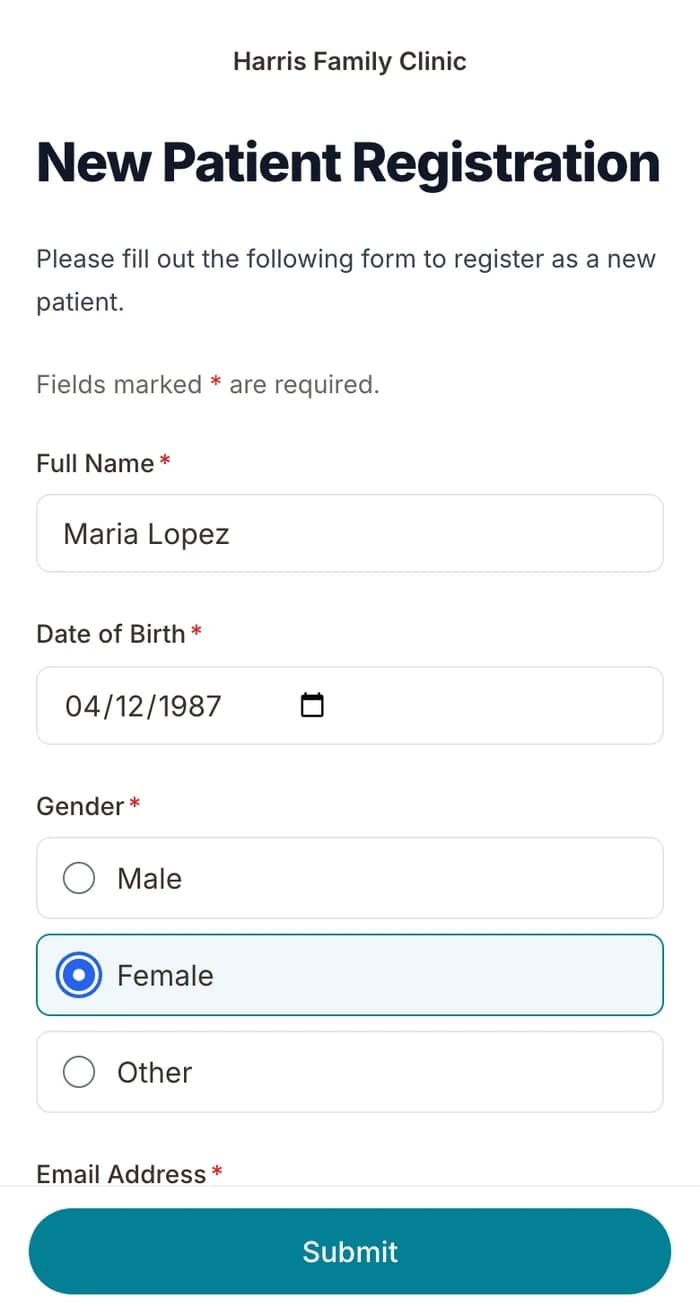
02
Patients finish it at home
A secure link by text or email, filled out on their phone before the visit. No app.
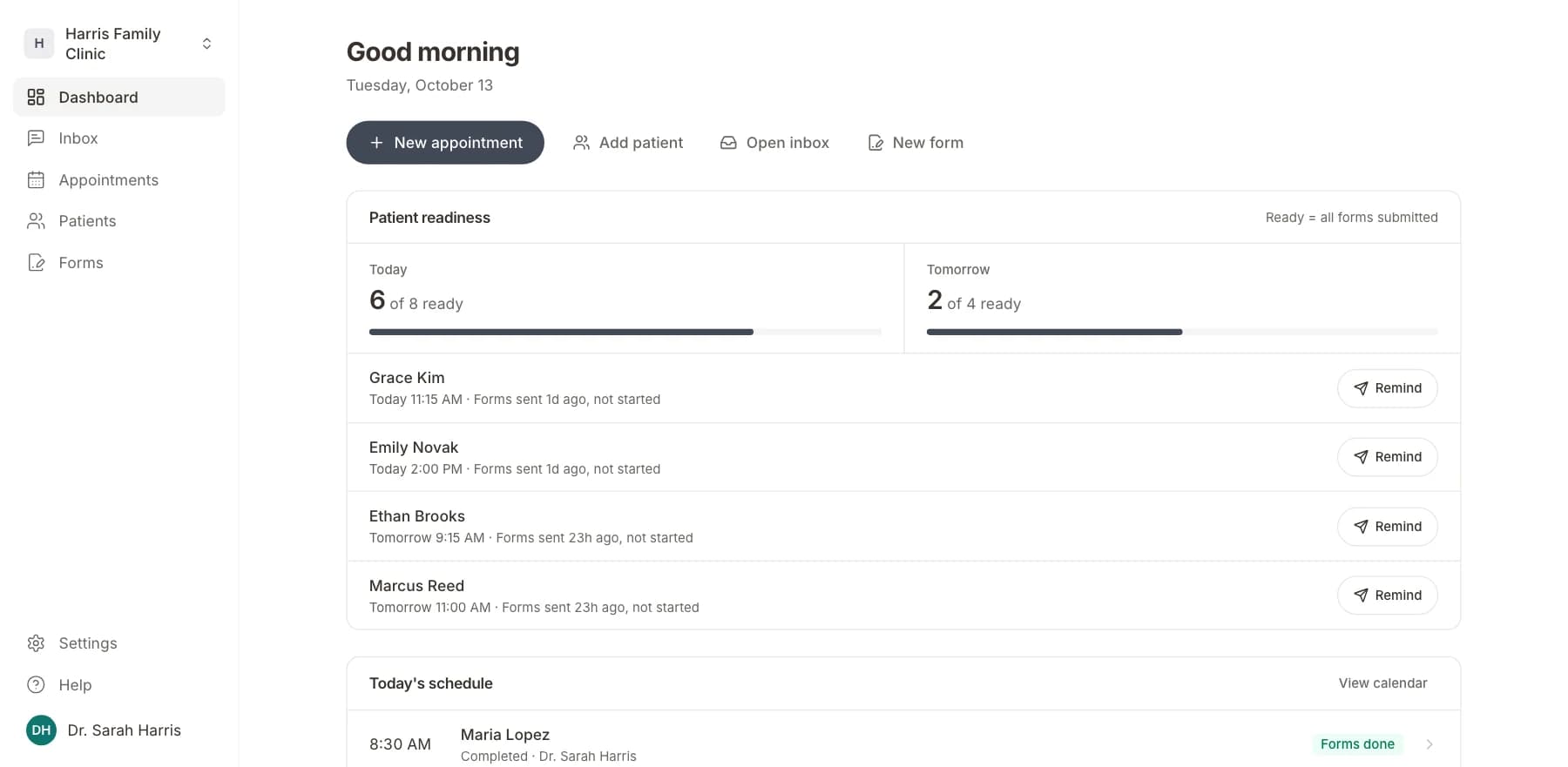
03
Your team sees who is ready
Each visit shows as ready once its forms are in. Answers land on the patient record.
Related templates
All templatesPediatric Intake FormIntake · 10 questions
Pediatric Asthma Severity AssessmentAssessment · 14 questions
Swallowing & Dysphagia Assessment FormAssessment · 14 questions
Neonatal Intensive Care (NICU) Medical History FormMedical History · 8 questions
Activities of Daily Living (ADL) Assessment FormAssessment · 14 questions
Braden Scale Pressure Injury Risk AssessmentAssessment · 15 questions
Questions
Send it before the visit, so patients arrive ready.
Book a short call and we will set up the Neonatal Assessment Form for your practice, ready to send before the next visit.
BAA included · We set up your front desk