Staff Satisfaction Survey
Asks about department / unit, employment type, and leadership satisfaction. Built for hospitals conducting annual employee engagement surveys.
- Questions
- 12
- Pages
- 2
- Time
- about 3 min
Your practice
Staff Satisfaction Survey
Page 1 of 2 · Your information
Live preview. Tap through it like a patient.
Who it is for
- Hospitals conducting annual employee engagement surveys
- Group practices identifying department-level morale issues
- HR teams measuring the impact of retention initiatives over time
- Healthcare organizations benchmarking workplace culture across locations
What's inside
Page 1 · Your information
- Department / UnitLong Text
- Employment TypeMultiple Choice · 5 choices
- Leadership SatisfactionMultiple Choice · 6 choices
- Communication QualityMultiple Choice · 6 choices
- Compensation & Benefits SatisfactionMultiple Choice · 6 choices
Page 2 · Additional details
- Team Culture & CollaborationMultiple Choice · 6 choices
- Safety Raising ConcernsMultiple Choice · 4 choices
- Would Recommend as WorkplaceMultiple Choice · 4 choices
- Top Improvement PriorityLong Text
- Open CommentsLong Text
From form to a ready patient
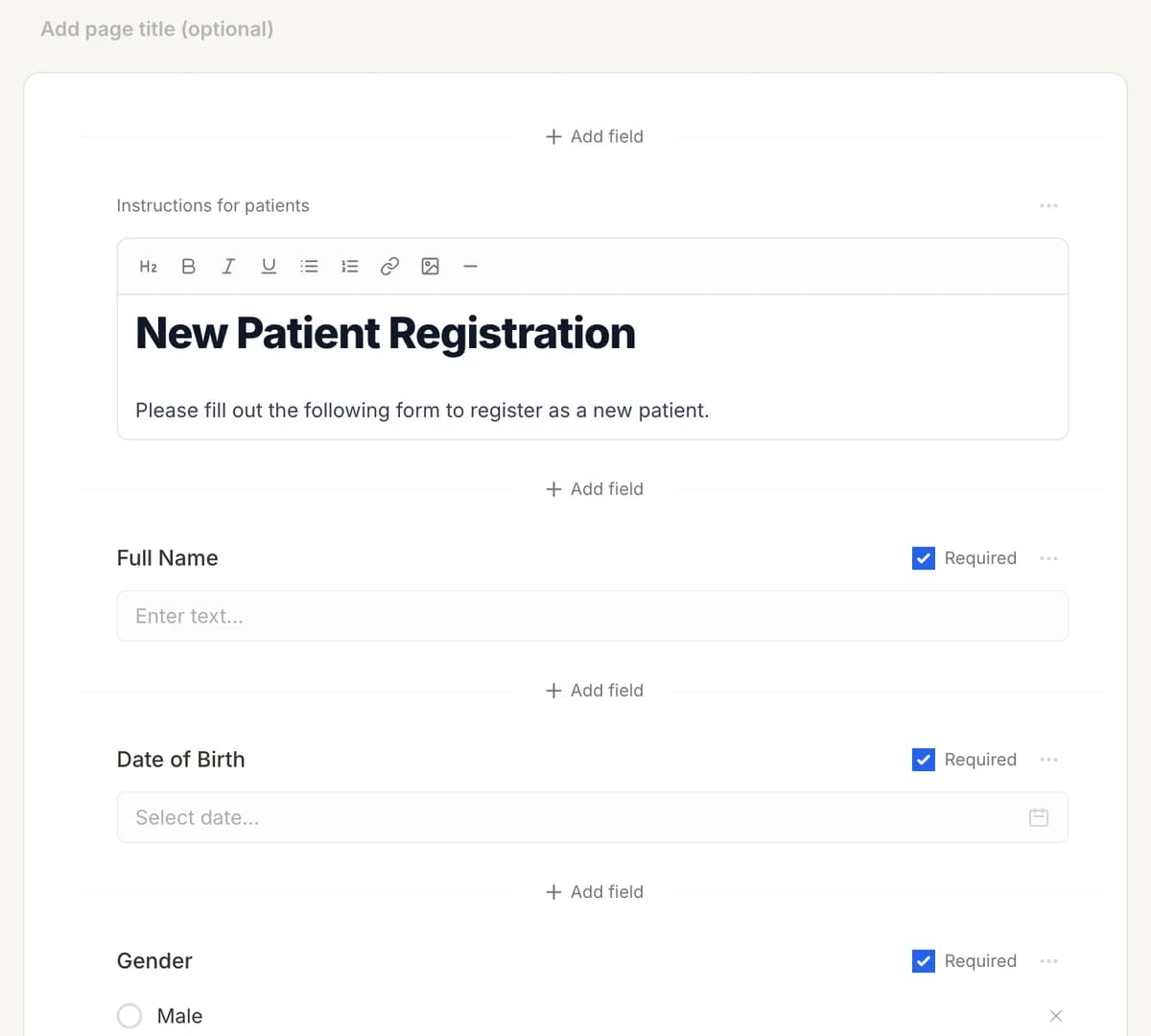
01
Make it yours
Reword, reorder, or add to the Staff Satisfaction Survey, and add your logo.
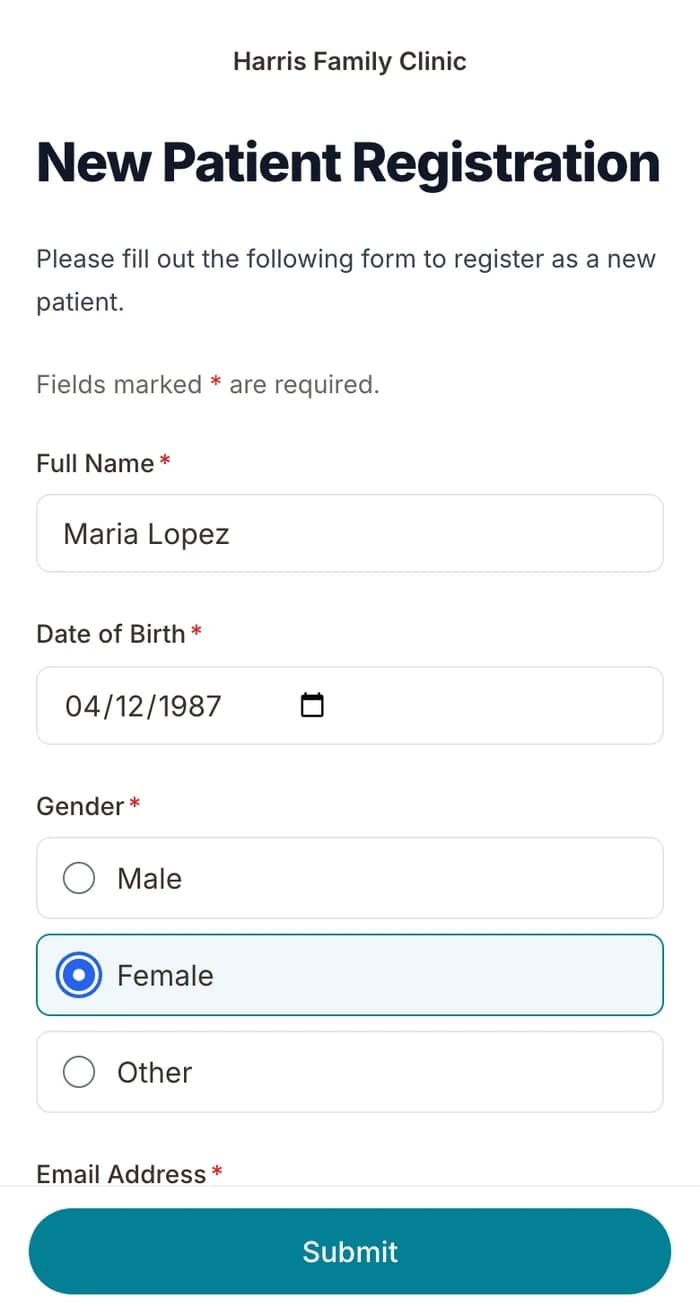
02
Patients finish it at home
A secure link by text or email, filled out on their phone before the visit. No app.
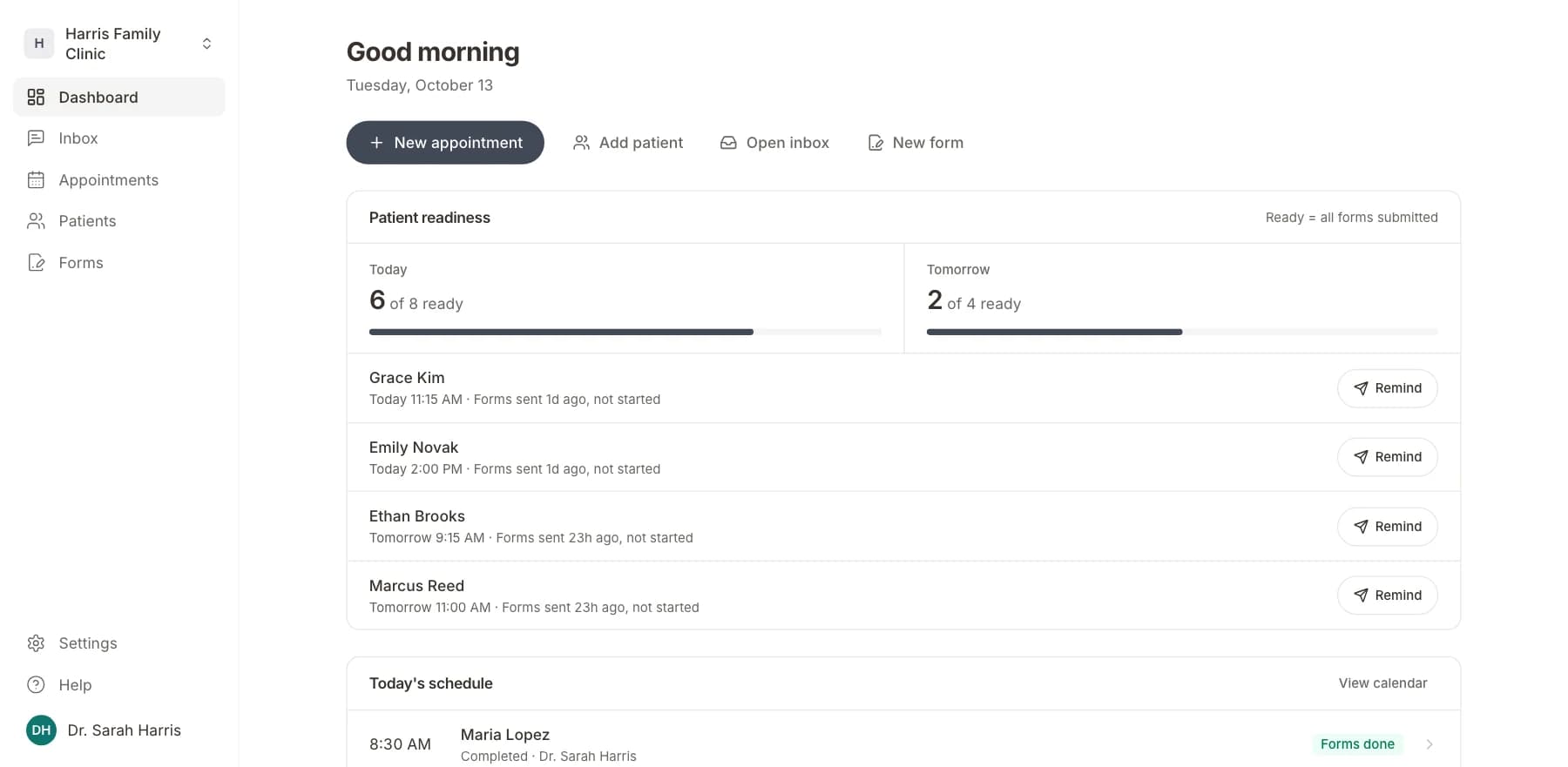
03
Your team sees who is ready
Each visit shows as ready once its forms are in. Answers land on the patient record.
Related templates
All templatesQuestions
Send it before the visit, so patients arrive ready.
Book a short call and we will set up the Staff Satisfaction Survey for your practice, ready to send before the next visit.
BAA included · We set up your front desk