Let new patients book and arrive ready.
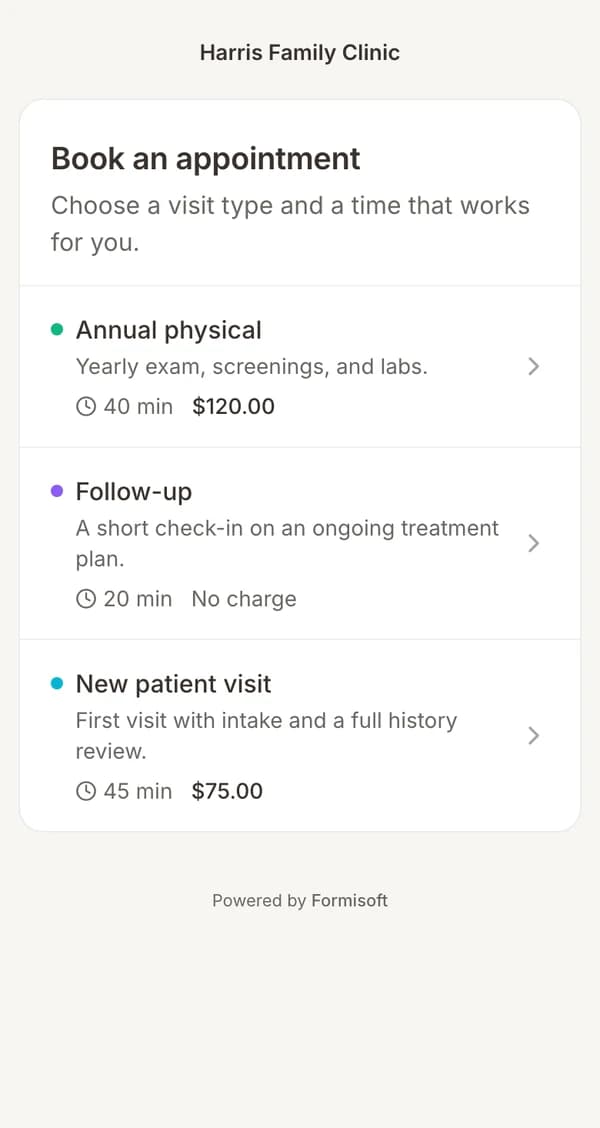
Patients pick an open time online, then fill out intake and pay before the first visit.
The problem
A phone call, then a clipboard, then your front desk retypes it all.
The playbook
- 01The patient picks an open timeYour booking page only shows real openings for each provider.
- 02Intake goes out right awayThe forms tied to that visit type are sent by email or text.
- 03Payment is taken onlineIf the visit has a price, the patient pays through Stripe when booking.
- 04The chart starts itselfTheir answers create the patient record, so staff only review.
Questions
Get every patient ready before the visit.
Book a short call. We set it up with you.
BAA included · We set up your front desk