Wait Time Feedback Survey
Asks about appointment time, arrival to check-in wait, and check-in to exam room wait. Built for high-volume primary care practices identifying patient flow bottlenecks.
- Questions
- 10
- Page
- 1
- Time
- about 3 min
Your practice
Wait Time Feedback Survey
Live preview. Tap through it like a patient.
Who it is for
- High-volume primary care practices identifying patient flow bottlenecks
- Urgent care centers optimizing throughput and reducing walk-away rates
- Outpatient clinics evaluating the impact of scheduling template changes
- Practice managers justifying investments in patient flow technology
What's inside
- Appointment TimeText
- Arrival to Check-In WaitMultiple Choice · 5 choices
- Check-In to Exam Room WaitMultiple Choice · 5 choices
- Exam Room to Provider WaitMultiple Choice · 5 choices
- Were You Informed of DelaysMultiple Choice · 3 choices
- Wait Time AcceptabilityMultiple Choice · 3 choices
- Impact on Overall ExperienceLong Text
- Suggestions to Reduce WaitLong Text
- Survey DateDate
- Would You Recommend Us?Multiple Choice · 3 choices
From form to a ready patient
01
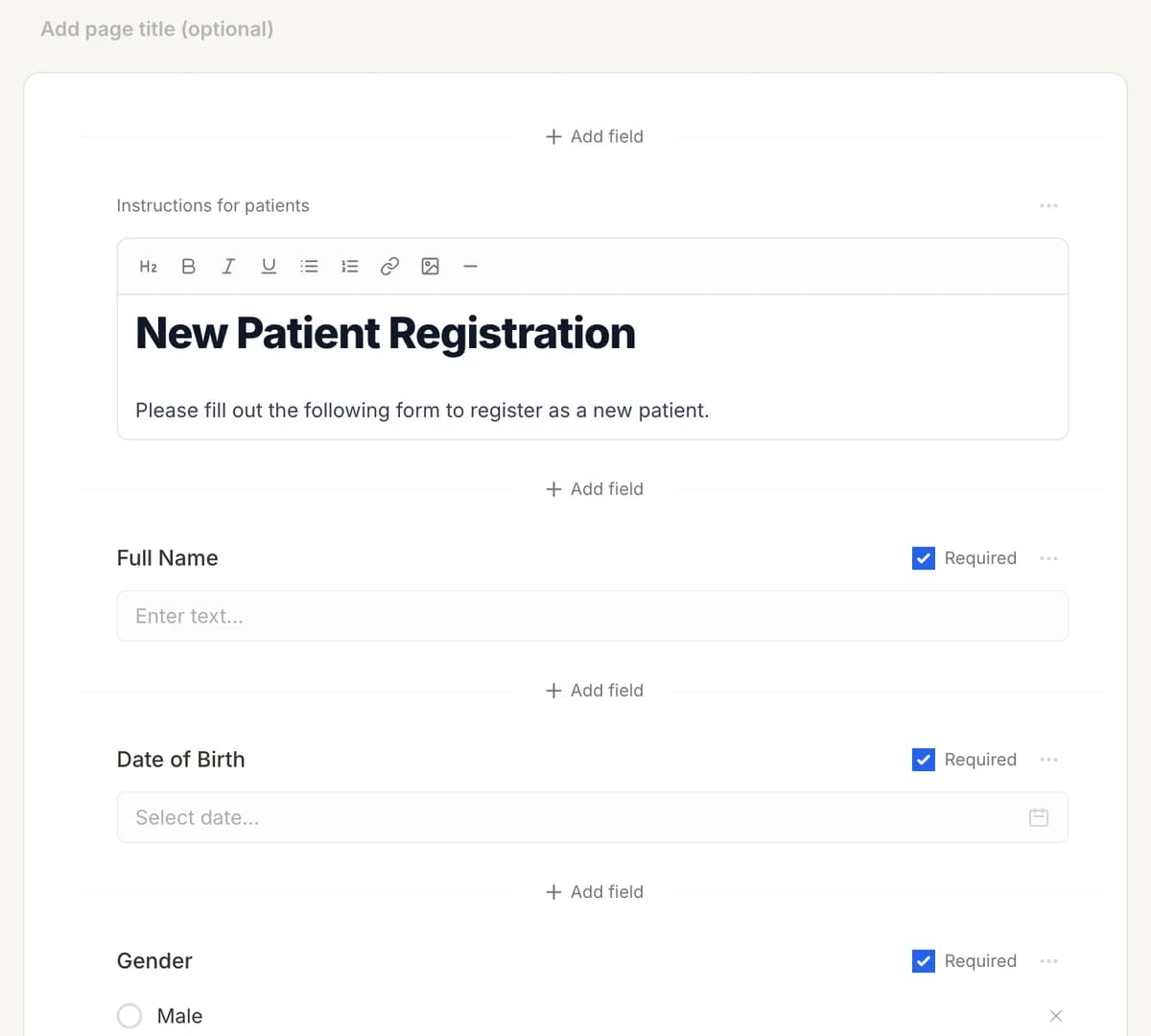
Make it yours
Reword, reorder, or add to the Wait Time Feedback Survey, and add your logo.
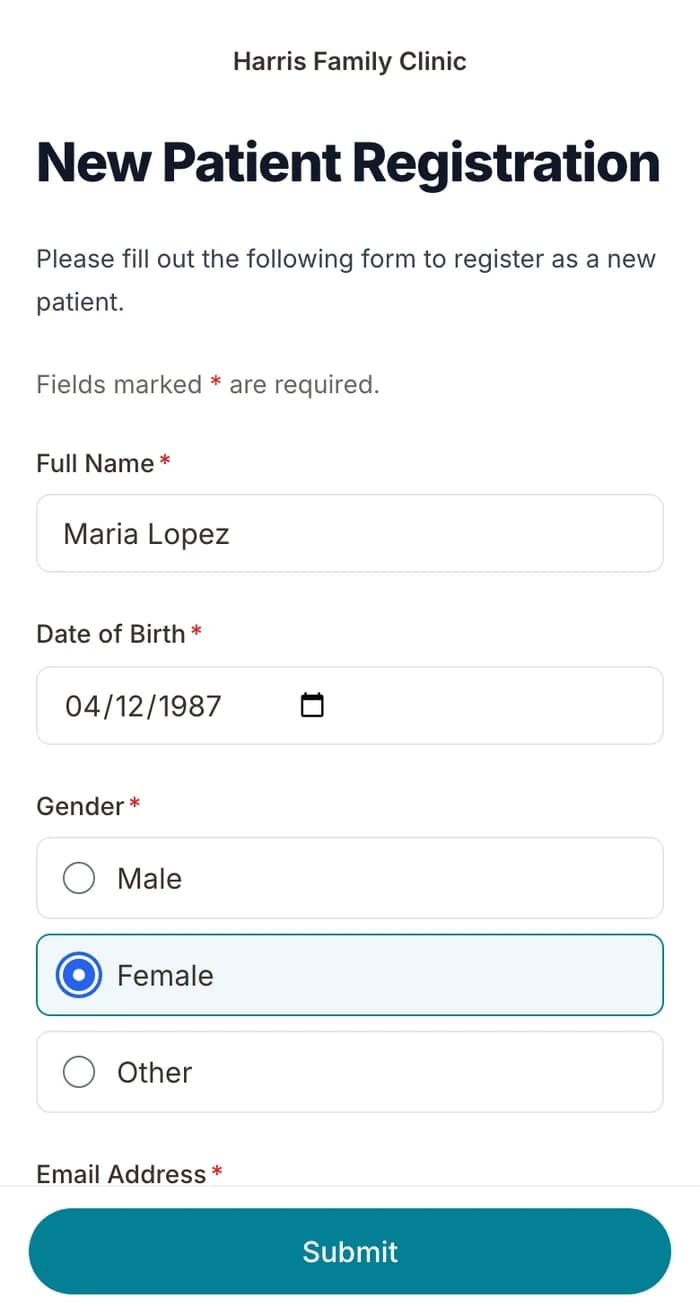
02
Patients finish it at home
A secure link by text or email, filled out on their phone before the visit. No app.
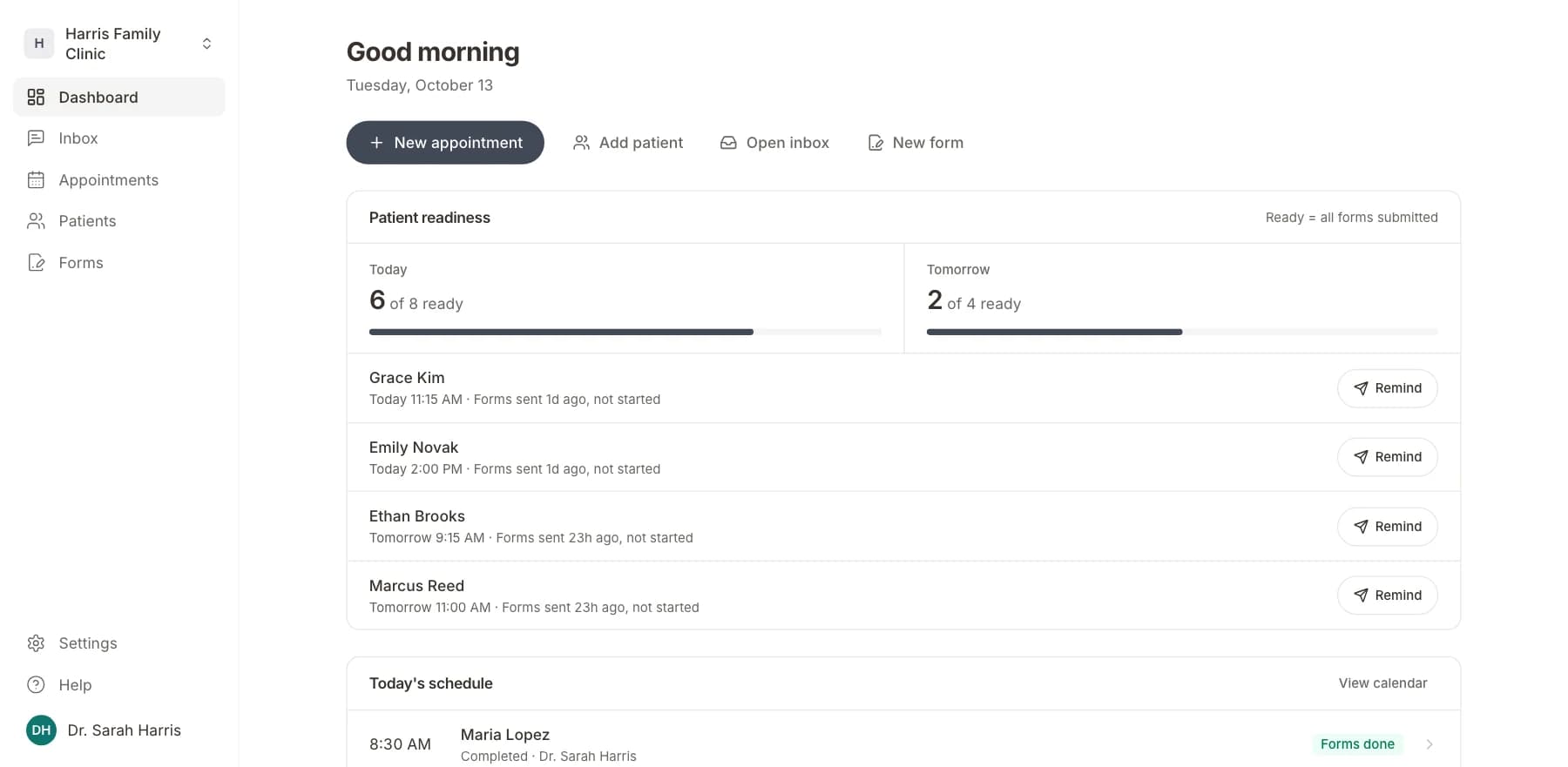
03
Your team sees who is ready
Each visit shows as ready once its forms are in. Answers land on the patient record.
Related templates
All templatesAppointment Feedback SurveySurvey · 10 questions
New Patient Onboarding Feedback SurveySurvey · 12 questions
Referral Feedback SurveySurvey · 10 questions
Appointment Request FormRegistration · 11 questions
No-Show Policy Acknowledgment FormRegistration · 8 questions
Annual Wellness Check-In SurveySurvey · 14 questions
Questions
Send it before the visit, so patients arrive ready.
Book a short call and we will set up the Wait Time Feedback Survey for your practice, ready to send before the next visit.
BAA included · We set up your front desk