Corporate Wellness Screening Form
Asks about employee full name, employer & department, and biometric measurements. Built for employer-sponsored biometric screening events and health fairs.
- Questions
- 12
- Pages
- 2
- Time
- about 3 min
Includes
- E-signature
- Consent agreement
- Conditions checklist
- Emergency contact
Your practice
Corporate Wellness Screening Form
Page 1 of 2 · Your information
Live preview. Tap through it like a patient.
Who it is for
- Employer-sponsored biometric screening events and health fairs
- Occupational health clinics conducting annual employee wellness assessments
- Corporate wellness program enrollment and health risk assessment
- On-site and mobile workplace health screening services
What's inside
Before you publish: Clinical review required: this worksheet does not calculate scores, diagnose, or recommend treatment. Confirm the questions and response options against your approved assessment protocol before use.
Page 1 · Your information
- Employee Full NameText
- Date of BirthDate
- Email AddressEmail
- Employer & DepartmentText
- Biometric MeasurementsText
Page 2 · Additional details
- Lifestyle & Health Habits AssessmentLong Text
- Tobacco, Alcohol & Substance UseLong Text
- Medical ConditionsConditions
- Emergency ContactEmergency Contact
- Information acknowledgmentConsent Agreement
From form to a ready patient
01
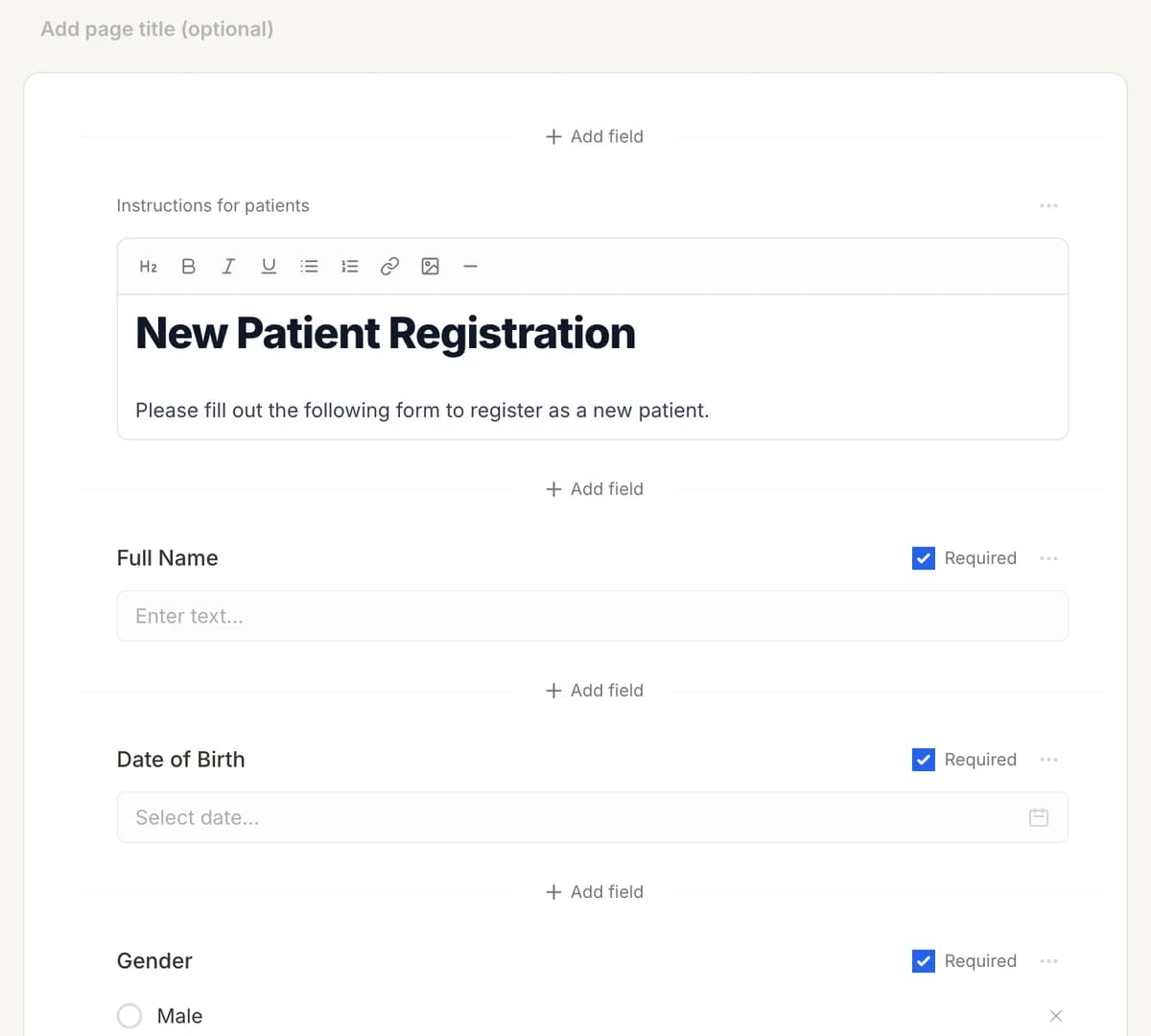
Make it yours
Reword, reorder, or add to the Corporate Wellness Screening Form, and add your logo.
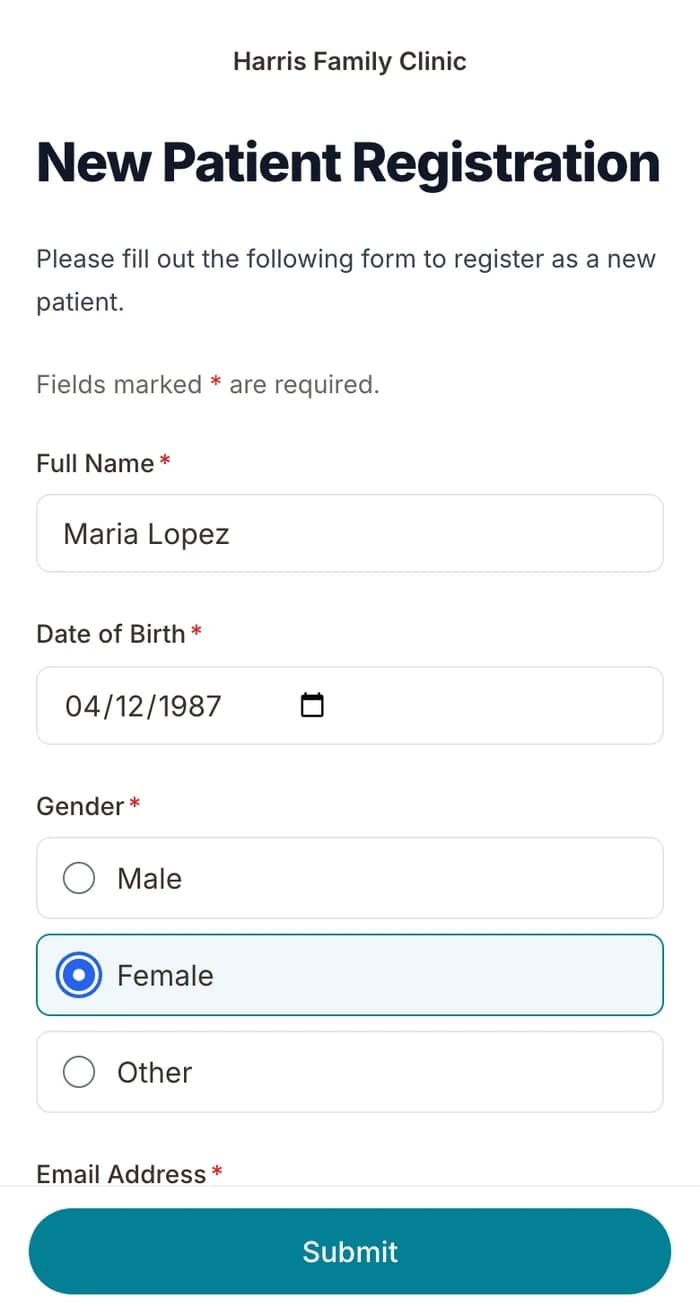
02
Patients finish it at home
A secure link by text or email, filled out on their phone before the visit. No app.
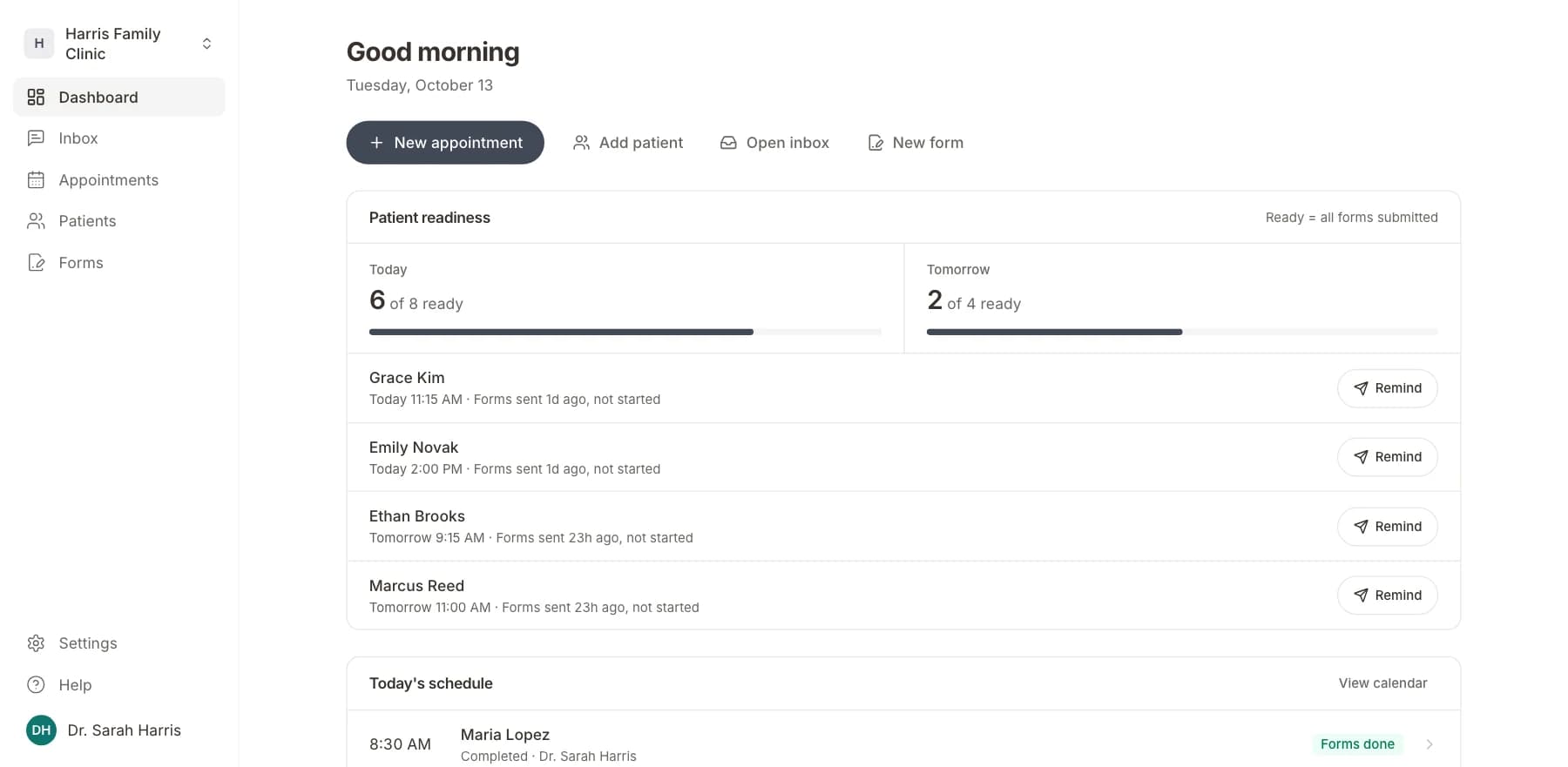
03
Your team sees who is ready
Each visit shows as ready once its forms are in. Answers land on the patient record.
Related templates
All templatesAnnual Wellness Visit FormIntake · 15 questions
Annual Wellness Check-In SurveySurvey · 14 questions
Occupational Health History FormMedical History · 14 questions
Occupational Injury History FormMedical History · 10 questions
Workers' Compensation Intake FormRegistration · 21 questions
ACE (Adverse Childhood Experiences) ScreeningScreening · 14 questions
Questions
Send it before the visit, so patients arrive ready.
Book a short call and we will set up the Corporate Wellness Screening Form for your practice, ready to send before the next visit.
BAA included · We set up your front desk