Treatment Outcome Survey
Asks about treatment received, treatment date, and symptom improvement rating. Built for orthopedic practices tracking post-surgical functional outcomes.
- Questions
- 12
- Pages
- 2
- Time
- about 3 min
Your practice
Treatment Outcome Survey
Page 1 of 2 · Your information
Live preview. Tap through it like a patient.
Who it is for
- Orthopedic practices tracking post-surgical functional outcomes
- Pain management clinics measuring intervention effectiveness over time
- Oncology programs documenting quality of life during and after treatment
- Mental health practices assessing therapy and medication response
What's inside
Page 1 · Your information
- Treatment ReceivedText
- Treatment DateDate
- Symptom Improvement RatingMultiple Choice · 5 choices
- Pain Level Compared to BaselineMultiple Choice · 4 choices
- Functional Status ChangeMultiple Choice · 4 choices
Page 2 · Additional details
- Side Effects ExperiencedLong Text
- Sleep Quality ChangeMultiple Choice · 4 choices
- Expectations MetMultiple Choice · 4 choices
- Would Choose Treatment AgainMultiple Choice · 4 choices
- Overall Outcome SatisfactionMultiple Choice · 6 choices
From form to a ready patient
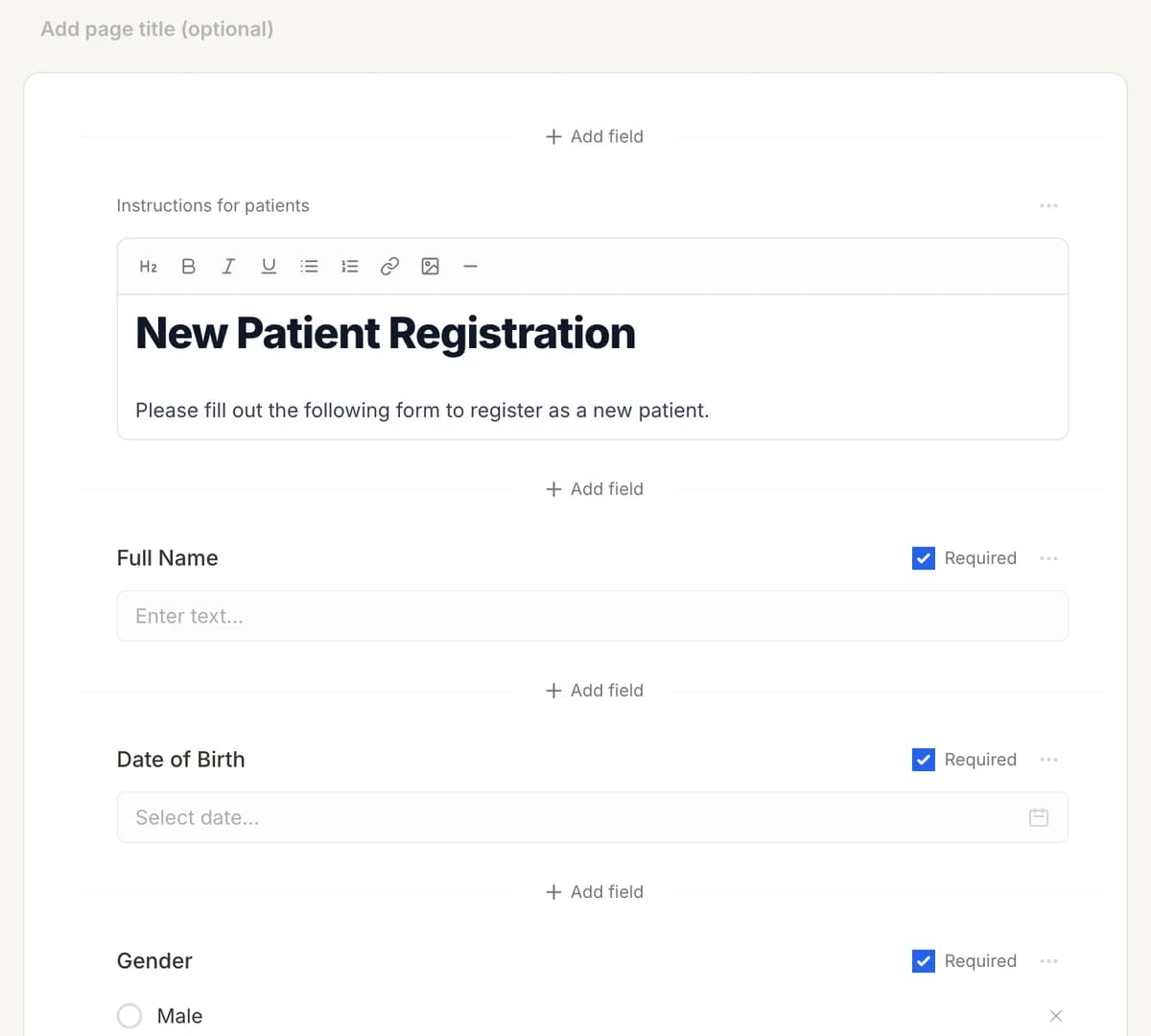
01
Make it yours
Reword, reorder, or add to the Treatment Outcome Survey, and add your logo.
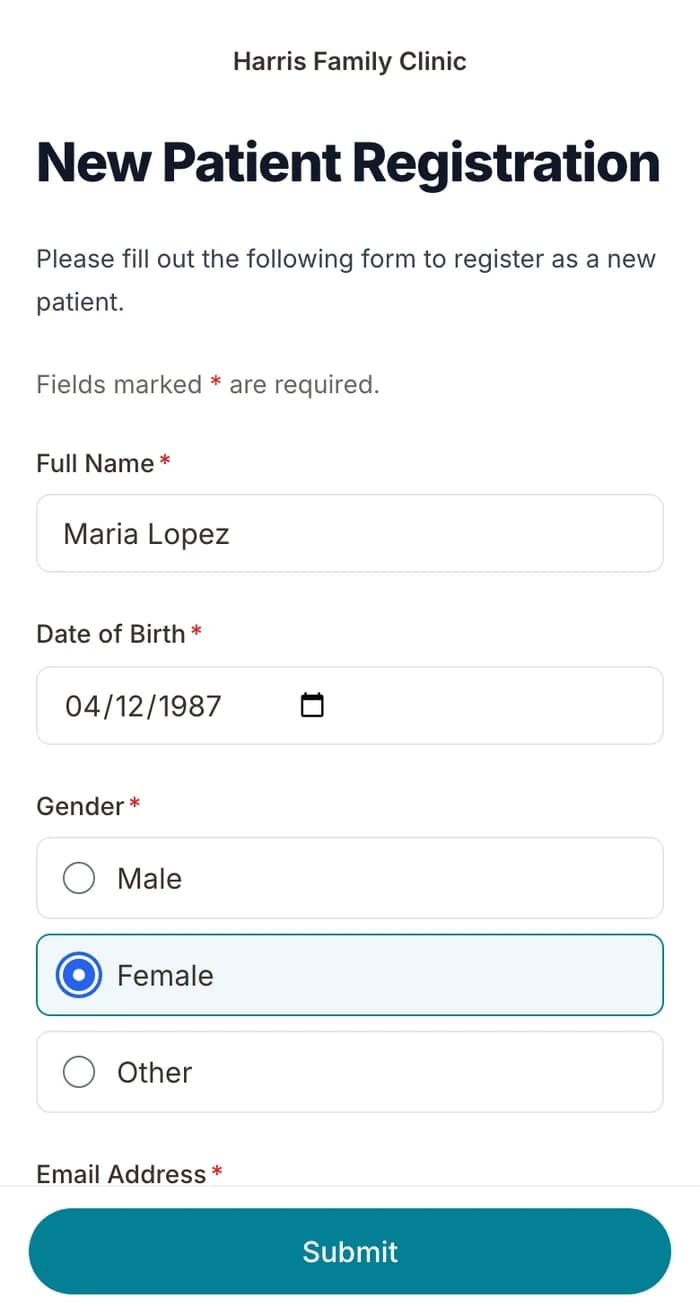
02
Patients finish it at home
A secure link by text or email, filled out on their phone before the visit. No app.
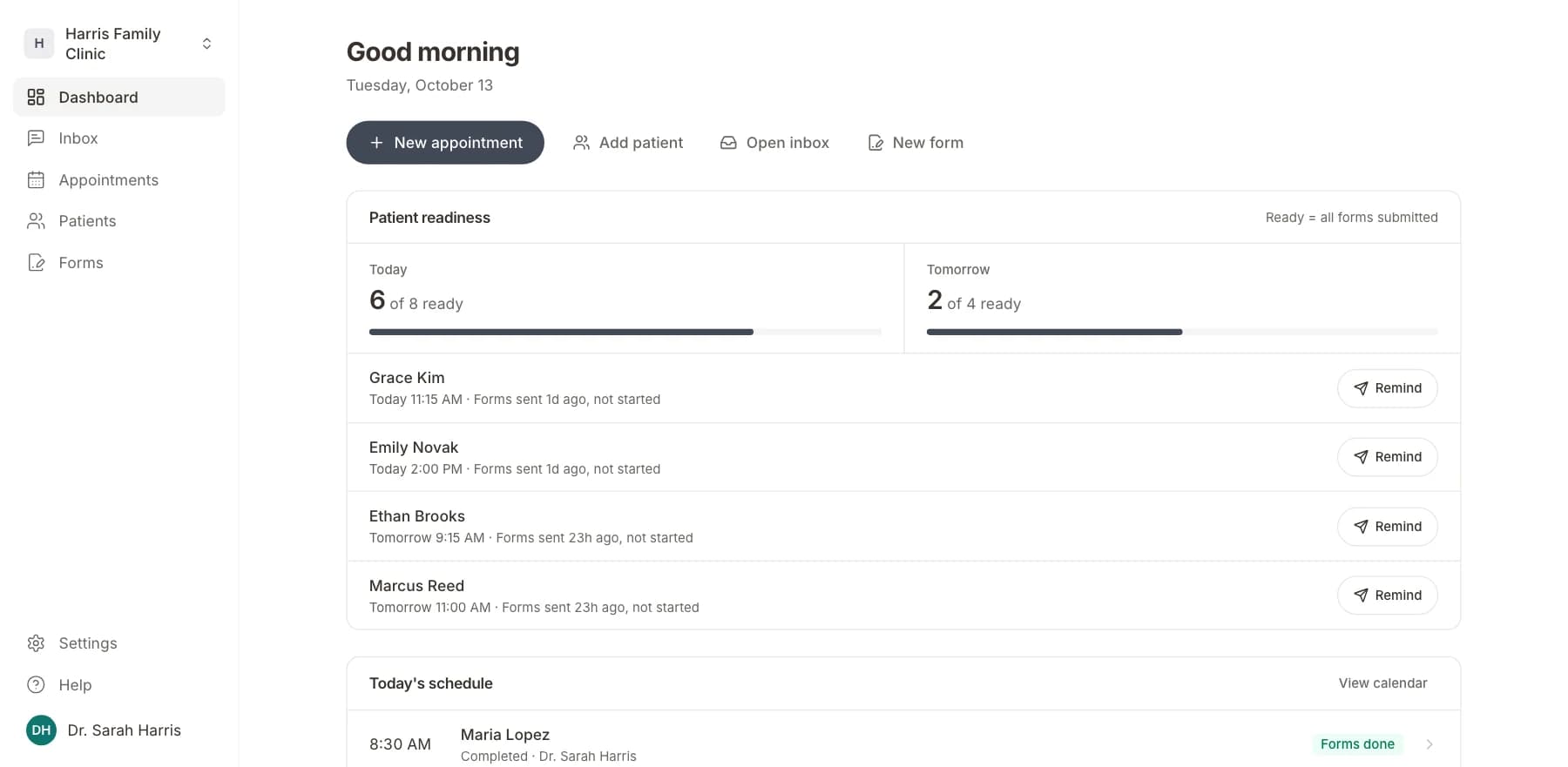
03
Your team sees who is ready
Each visit shows as ready once its forms are in. Answers land on the patient record.
Related templates
All templatesDental Treatment ConsentConsent · 13 questions
Emergency Treatment ConsentConsent · 12 questions
General Treatment Consent FormConsent · 5 questions
Mental Health Treatment Consent FormConsent · 11 questions
Annual Wellness Check-In SurveySurvey · 14 questions
Appointment Feedback SurveySurvey · 10 questions
Questions
Send it before the visit, so patients arrive ready.
Book a short call and we will set up the Treatment Outcome Survey for your practice, ready to send before the next visit.
BAA included · We set up your front desk