Dental Practice Intake

Complete dental intake from medical history to payment

Dental practices need a specific mix of medical and dental history, insurance verification, and consent, often for patients they've never seen before. This workflow packages everything into a single, multi-page form: general medical history and medications, dental-specific questions (last visit, concerns, anxiety level), insurance card photo uploads, informed consent with e-signature, optional deposit or payment, and appointment booking. Patients complete the entire intake before their first visit.

At a glance

6

Steps

SMS + email

Outreach

HIPAA

Aligned

Medical history and medications → Dental-specific questions → Insurance card photos uploaded → Consent forms signed → Payment collected

What happens end to end

6 steps from first patient touch to staff handoff, what patients see, and what happens without another round of phone calls.

Step 1

Medical history and medications

Patients complete a comprehensive medical history including allergies, current medications, and conditions relevant to dental treatment (bleeding disorders, heart conditions, etc.).

Healthcare field types · Medical history fields · Conditional logic

Step 2

Dental-specific questions

Custom fields capture dental history: last dental visit, current concerns, dental anxiety level, teeth sensitivity, and cosmetic goals.

Custom fields · Multi-page forms

Step 3

Insurance card photos uploaded

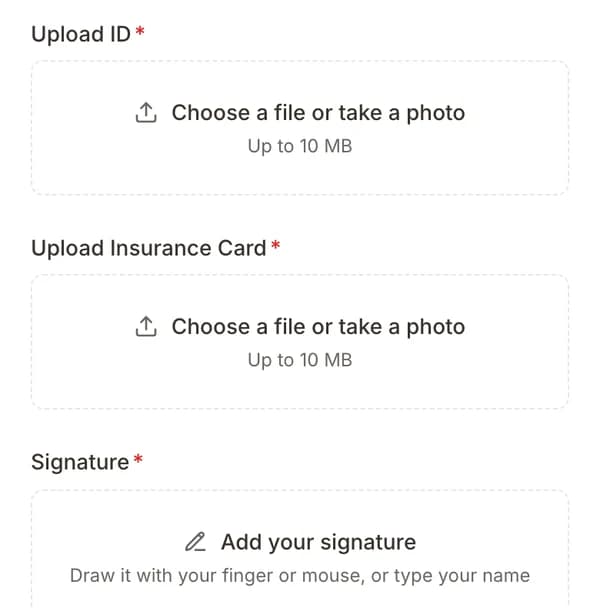
Patients photograph the front and back of their dental insurance card. The images are attached to the submission and linked to the patient record.

File uploads · Photo capture

Step 4

Consent forms signed

Informed consent for treatment, HIPAA notice, and financial responsibility agreement are presented with e-signature fields.

E-signatures · Consent forms

Step 5

Payment collected

An optional Stripe payment field collects a deposit or new patient fee as part of the intake form.

Stripe payments · Payment collection

Step 6

Appointment booked

Patients select an available time slot at the end of the form. Calendar invites are sent and the patient record is created with all intake data attached.

Online scheduling · Calendar invites · Auto patient creation

Complete dental intake from medical history to payment

Turn this playbook on in Formisoft Flow — no developers required.