Know coverage before the patient arrives.
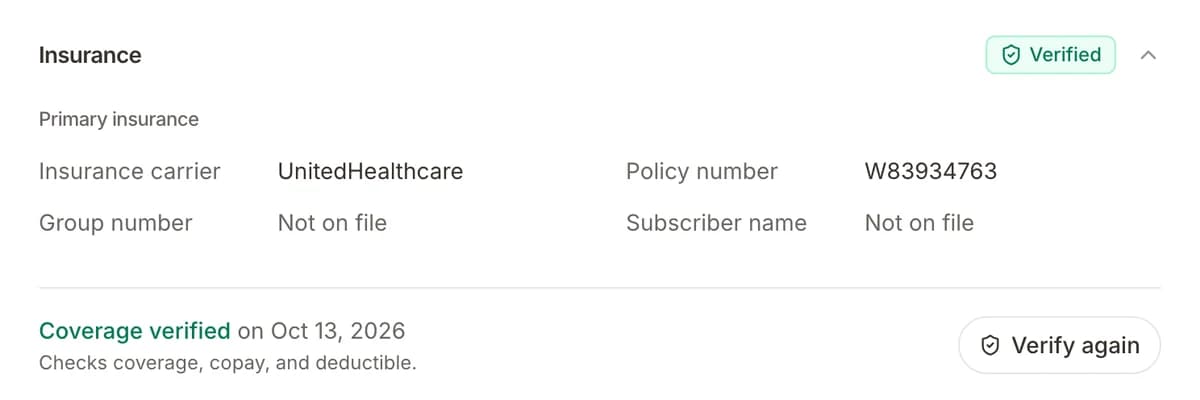
Patients add their insurance card on intake. Your team confirms active coverage from the chart in one click.
Insurance checks are a Front Desk add-on at $0.50 per check, with no monthly fee.
The problem
Coverage problems tend to show up at check-in, or weeks later as a denied claim. Checking every patient on payer portals takes time the front desk does not have.
The playbook
- 01The patient adds insurance on intakeCard photos, carrier, and member ID, from their phone.
- 02The details land on the chartInsurance fields fill the patient record. Nothing to retype.
- 03Staff click Verify insuranceFormisoft checks eligibility with the payer in real time, using your practice NPI.
- 04The result is savedThe chart shows verified or failed, so billing knows who to follow up with.
Questions
Get every patient ready before the visit.
Start with Intake, then add booking, reminders, and payments when you need them.
Cancel anytime · BAA included