Every patient finishes intake before arriving.
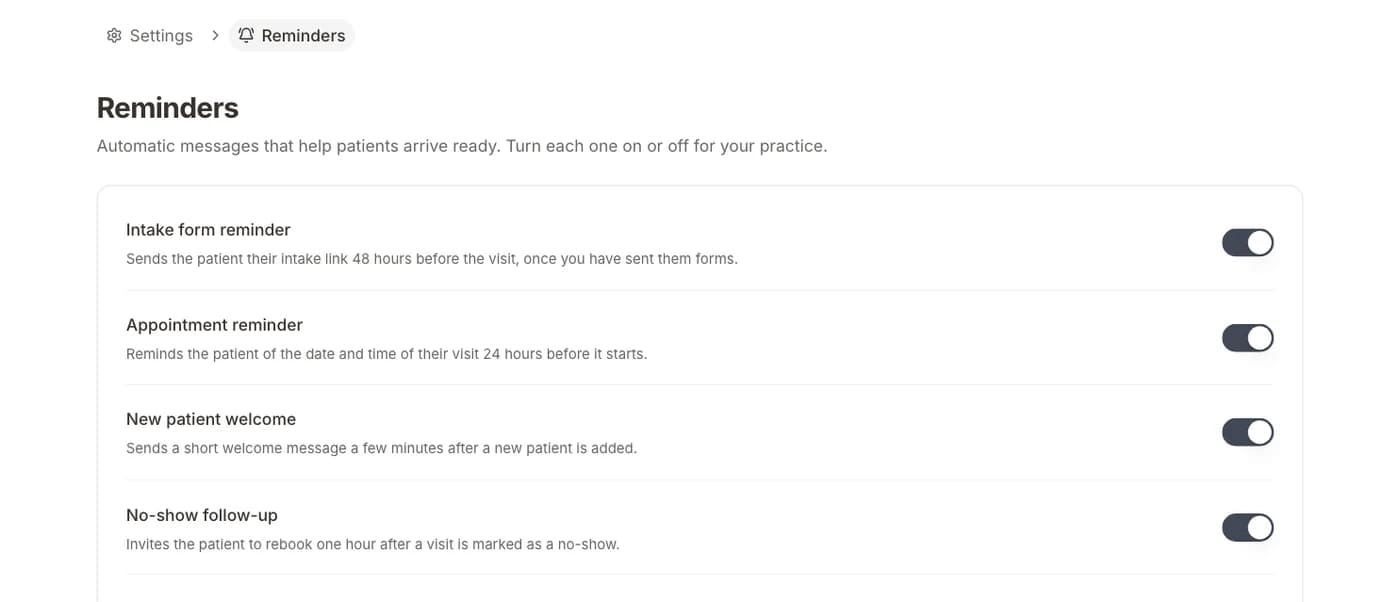
Intake goes out the moment a visit is booked, and patients who have not finished get a reminder.
The problem
Patients forget the form, then fill it out at the desk while the schedule slips. Staff spend the day before chasing them by phone.
The playbook
- 01A visit is bookedBy your staff on the calendar, or by the patient online.
- 02Intake is sent automaticallyThe form for that visit type goes out by email or text with a secure link.
- 03A reminder follows if neededPatients who have not finished get their link again 48 hours before.
- 04Staff see who is readyAnswers land on the chart, and intake status shows on the appointment.
Questions
Get every patient ready before the visit.
Start with Intake, then add booking, reminders, and payments when you need them.
Cancel anytime · BAA included