Step 1
Screening questionnaires are presented
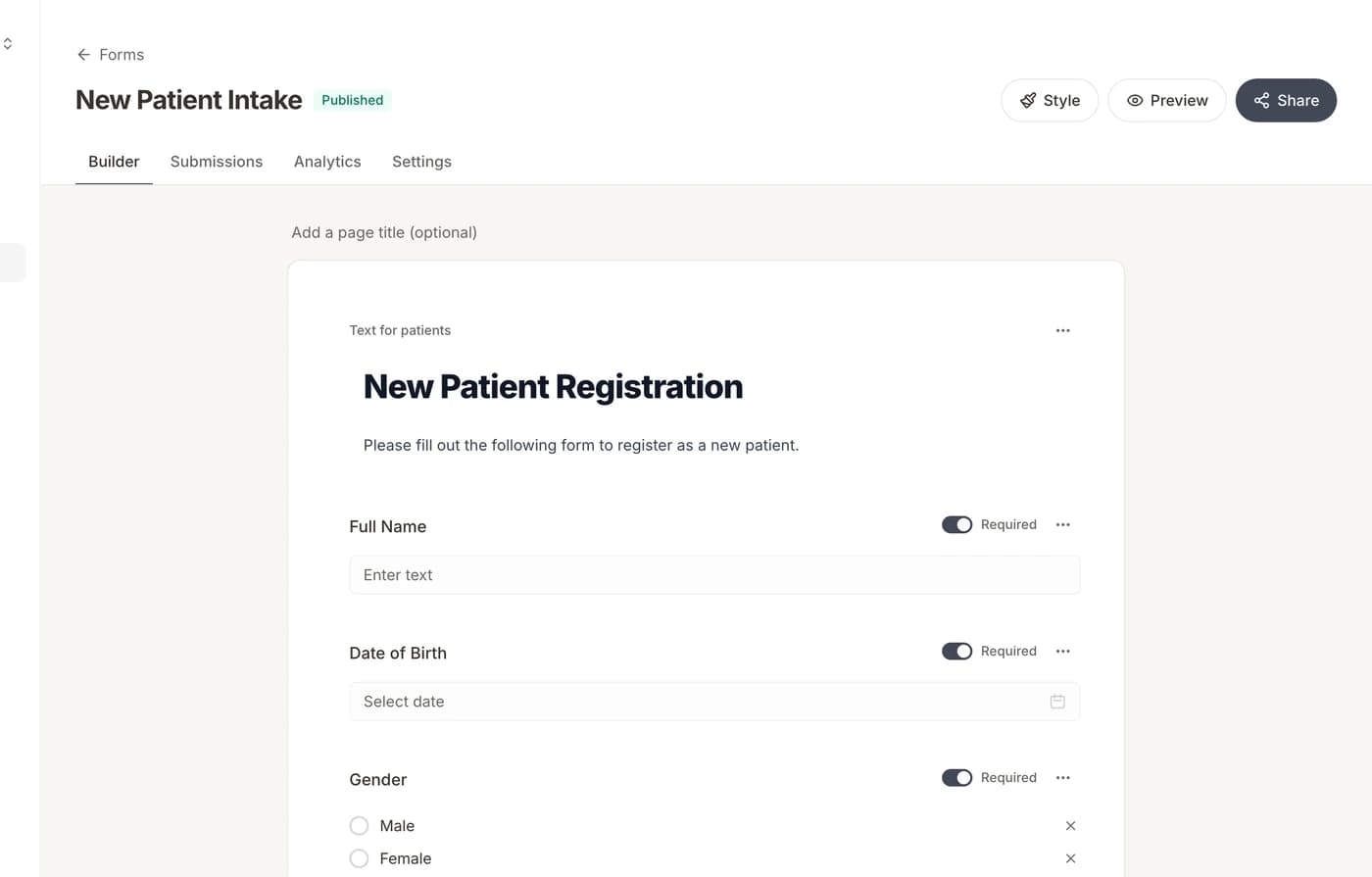
PHQ-9 and GAD-7 validated instruments are embedded as form fields with automatic scoring. Conditional logic shows follow-up questions based on severity.
Sensitive screening with smart conditional logic
Mental health intake requires sensitivity and depth. This workflow uses Formisoft's conditional logic to guide patients through validated screening instruments (PHQ-9 for depression, GAD-7 for anxiety), detailed medical and medication history, consent and confidentiality agreements, and emergency contact information. The form adapts based on responses, showing follow-up questions only when clinically relevant, so patients aren't overwhelmed by irrelevant fields.
At a glance
5
Steps
Playbook
Type
Flow
Formisoft
Screening questionnaires are presented → Medical history and medications → Consent and confidentiality agreements → Emergency contact and safety information → Provider reviews the complete intake
Step by step
5 steps from first patient touch to staff action — each maps to features already in Formisoft.
Step 1
PHQ-9 and GAD-7 validated instruments are embedded as form fields with automatic scoring. Conditional logic shows follow-up questions based on severity.
Step 2
Patients enter their medical history, current medications, allergies, and prior treatment history. Repeatable field groups allow listing multiple items.
Step 3
HIPAA notice of privacy practices, informed consent for treatment, and telehealth consent (if applicable) are presented with e-signature capture.
Step 4
Emergency contact details and safety-related questions are collected. Conditional logic adapts based on screening scores to include safety planning when appropriate.
Step 5
The provider reviews all responses, screening scores, and signed documents in one place. Patient record is created and ready for the first session.
Every patient arrives chart-ready
View playbookScheduling & BookingIntake, payment, and consent before the Formisoft Telehealth call
View playbookPractice OperationsDifferent forms and schedules for each provider
View playbookStart from this playbook in Formisoft Flow — customize timing, copy, and branches, then go live in minutes.