Give each provider their own setup.
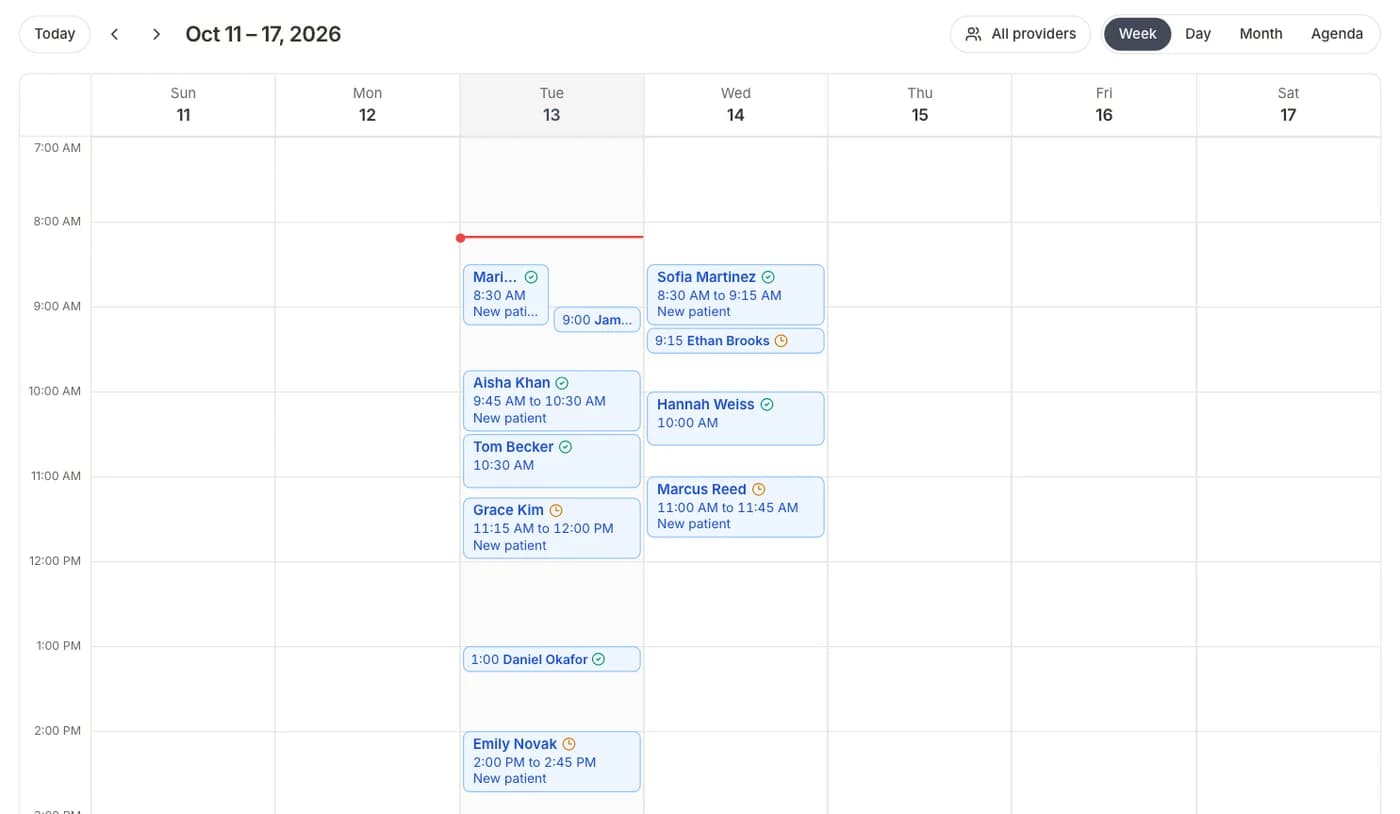
Each provider has their own hours, visit types, and intake forms, all on one shared calendar.
The problem
With several providers, the front desk juggles different schedules and different paperwork. The wrong form goes out, or two patients end up in the same slot.
The playbook
- 01Set each provider's hoursWorking days, visit length, and breaks for each person.
- 02Attach intake to each visit typeA therapy intake for one, a physical for another.
- 03Patients choose a provider and bookOnly that provider's open times show, so nothing overlaps.
- 04The right form goes outEach patient gets the intake for their visit, and staff see the status on the calendar.
Questions
Get every patient ready before the visit.
Start with Intake, then add booking, reminders, and payments when you need them.
Cancel anytime · BAA included